retro-diffusion/rd-plus 🔢❓📝✓🖼️ → 🖼️
Performance
21.7sTypical run time
63.9KTotal runs
About
High quality and authentic pixel art image generation
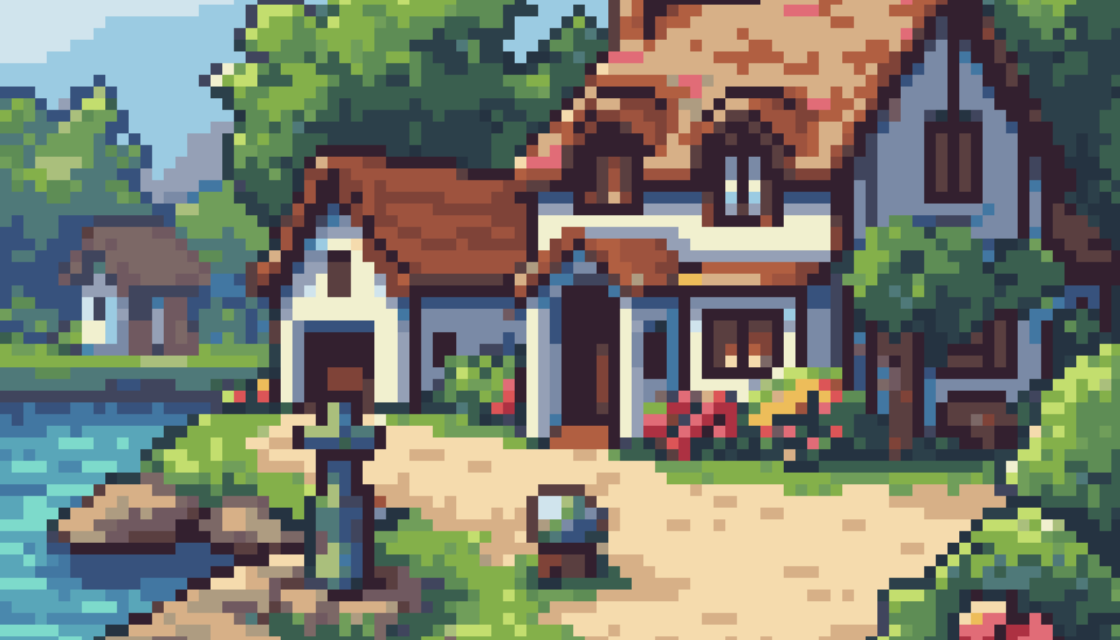
Example Output
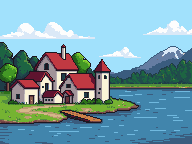
Prompt:
"A quaint village rests on the edge of a sparking lake, with trees and blue sky in the background"
Output
Performance Metrics
21.68s
Prediction Time
21.69s
Total Time
All Input Parameters
{
  "style": "classic",
  "width": 192,
  "height": 144,
  "prompt": "A quaint village rests on the edge of a sparking lake, with trees and blue sky in the background",
  "tile_x": false,
  "tile_y": false,
  "strength": 0.8,
  "remove_bg": false,
  "num_images": 1,
  "bypass_prompt_expansion": false
}
Input Parameters
- seed
- Random seed. Set for reproducible generation
- style
- Style to apply to the generated image default: Clean pixel art style with bold colors and outlines retro: Classic pixel art style inspired by PC98 games watercolor: Pixel art mixed with a watercolor painting aesthetic textured: Semi-realistic pixel art style with lots of shading and texture cartoon: Simple shapes and shading, with bold outlines ui_element: User interface boxes and buttons item_sheet: Sheets of objects placed on a simple background character_turnaround: Character sprites viewed from different angles environment: One-point perspective scenes with outlines and strong shapes isometric: 45 degree isometric perspective, with consistent outlines isometric_asset: 45 degree isometric objects or assets, on a neutral background topdown_map: Video game map style pixel art with a 3/4 top down perspective topdown_asset: 3/4 top down perspective game assets on a simple background classic: Strongly outlined medium-resolution pixel art with a focus on simple shading and clear design topdown_item: Small 3/4 top down perspective assets with no background low_res: High quality, low resolution pixel art assets and backgrounds mc_item: High quality Minecraft-styled items and game assets mc_texture: Detailed Minecraft-style flat block textures, with enhanced prompt following skill_icon: Video game style skill icons for representing abilities
- width
- Image width
- height
- Image height
- prompt (required)
- Text prompt for generation
- tile_x
- Enable seamless tiling on X axis
- tile_y
- Enable seamless tiling on Y axis
- strength
- Prompt strength in image-to-image generation. Higher values give closer adherence to the prompt, and lower values use more information from the input image. Only used when input_image is provided.
- remove_bg
- Remove background to create transparent images
- num_images
- Number of images to generate
- input_image
- Input image for image-to-image generation or reference. Will be converted to RGB without transparency.
- input_palette
- Reference palette image to guide color choices
- bypass_prompt_expansion
- Disable automatic prompt expansion
Output Schema
Output
Example Execution Logs
Using seed: 65398063
Warning: Moderation check failed: Error code: 401 - {'error': {'message': 'The OpenAI account associated with this API key has been deactivated. If you are the developer for this OpenAI app, please check your email for more information. If you are seeing this error while using another app or site, please reach out to them for more help.', 'type': 'invalid_request_error', 'param': None, 'code': 'account_deactivated'}}
Generated in 21.6sec
Version Details
- Version ID
60eb48db78cbd38cc6473d309a311db08244ed021567a9234970af971bab0d87- Version Created
- November 19, 2025