xlabs-ai/flux-dev-controlnet 🔢📝❓🖼️✓ → 🖼️
Performance
30.5sTypical run time
311.7KTotal runs
About
XLabs v3 canny, depth and soft edge controlnets for Flux.1 Dev
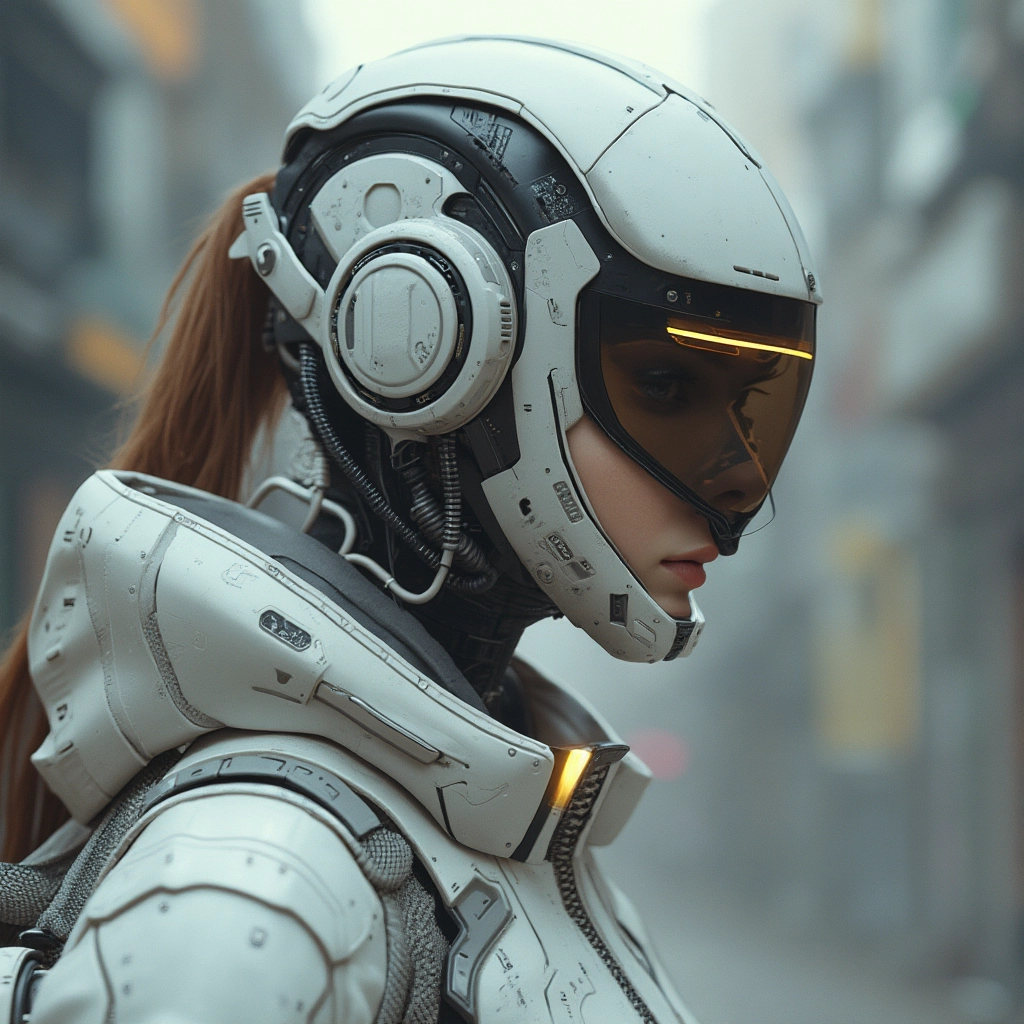
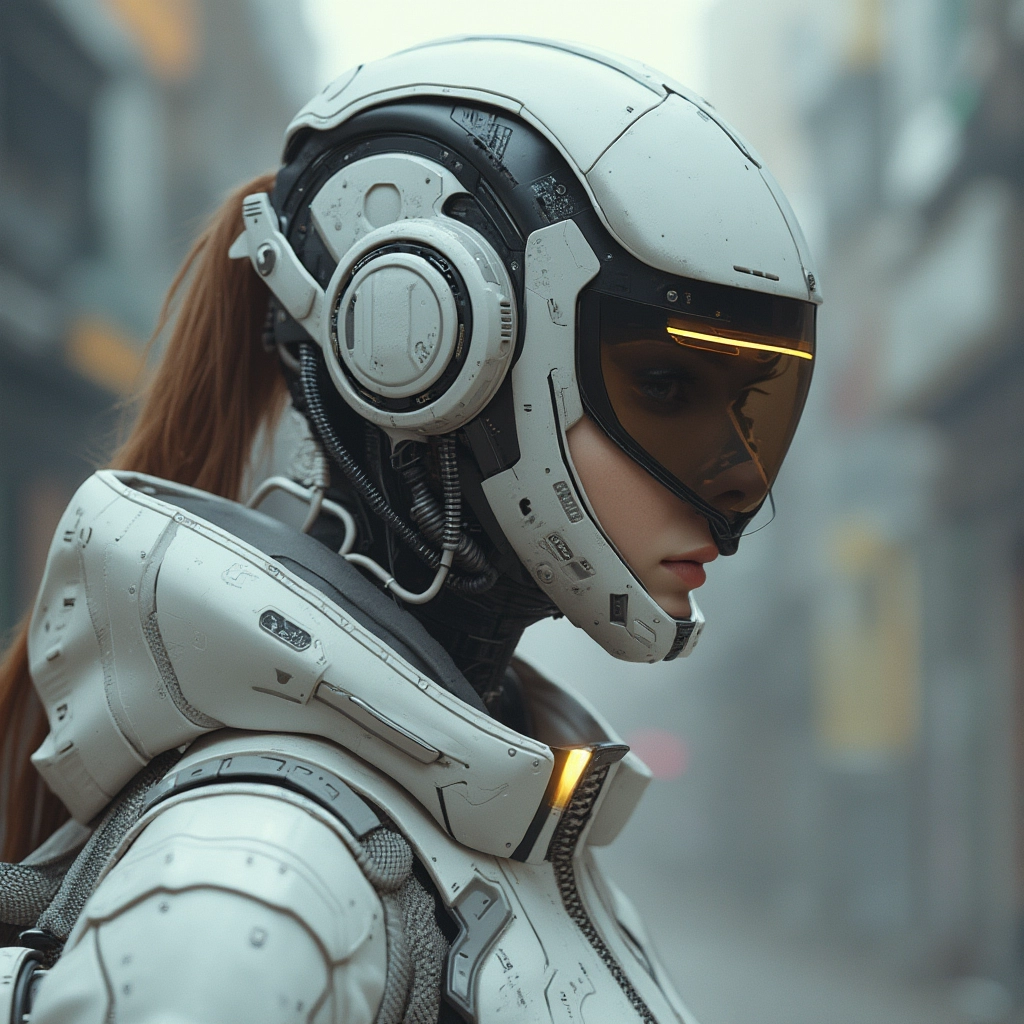
Example Output
Prompt:
"a cyberpunk with natural greys and whites and browns"
Output
Performance Metrics
30.45s
Prediction Time
30.46s
Total Time
All Input Parameters
{
  "steps": 28,
  "prompt": "a cyberpunk with natural greys and whites and browns",
  "control_type": "depth",
  "control_image": "https://replicate.delivery/pbxt/LUSNInCegT0XwStCCJjXOojSBhPjpk2Pzj5VNjksiP9cER8A/ComfyUI_02172_.png",
  "output_format": "webp",
  "guidance_scale": 2.5,
  "output_quality": 100,
  "negative_prompt": "low quality, ugly, distorted, artefacts",
  "control_strength": 0.45,
  "depth_preprocessor": "DepthAnything",
  "soft_edge_preprocessor": "HED",
  "image_to_image_strength": 0,
  "return_preprocessed_image": false
}
Input Parameters
- seed
- Set a seed for reproducibility. Random by default.
- steps
- Number of steps
- prompt
- lora_url
- Optional LoRA model to use. Give a URL to a HuggingFace .safetensors file, a Replicate .tar file or a CivitAI download link.
- control_type
- Type of control net
- control_image (required)
- Image to use with control net
- lora_strength
- Strength of LoRA model
- output_format
- Format of the output images
- guidance_scale
- Guidance scale
- output_quality
- Quality of the output images, from 0 to 100. 100 is best quality, 0 is lowest quality.
- negative_prompt
- Things you do not want to see in your image
- control_strength
- Strength of control net. Different controls work better with different strengths. Canny works best with 0.5, soft edge works best with 0.4, and depth works best between 0.5 and 0.75. If images are low quality, try reducing the strength and try reducing the guidance scale.
- depth_preprocessor
- Preprocessor to use with depth control net
- soft_edge_preprocessor
- Preprocessor to use with soft edge control net
- image_to_image_strength
- Strength of image to image control. 0 means none of the control image is used. 1 means the control image is returned used as is. Try values between 0 and 0.25 for best results.
- return_preprocessed_image
- Return the preprocessed image used to control the generation process. Useful for debugging.
Output Schema
Output
Example Execution Logs
Random seed set to: 4284057858
Checking inputs
✅ /tmp/inputs/control_image.png
====================================
Checking weights
✅ t5xxl_fp8_e4m3fn.safetensors exists in ComfyUI/models/clip
✅ flux-depth-controlnet-v3.safetensors exists in ComfyUI/models/xlabs/controlnets/
✅ depth_anything_vitl14.pth exists in ComfyUI/custom_nodes/comfyui_controlnet_aux/ckpts/LiheYoung/Depth-Anything/checkpoints
✅ depth_anything_vitb14.pth exists in ComfyUI/custom_nodes/comfyui_controlnet_aux/ckpts/LiheYoung/Depth-Anything/checkpoints
✅ ae.safetensors exists in ComfyUI/models/vae
✅ clip_l.safetensors exists in ComfyUI/models/clip
✅ depth_anything_vits14.pth exists in ComfyUI/custom_nodes/comfyui_controlnet_aux/ckpts/LiheYoung/Depth-Anything/checkpoints
✅ flux1-dev.safetensors exists in ComfyUI/models/diffusion_models
====================================
Running workflow
got prompt
Executing node 53, title: CLIPTextEncodeFlux, class type: CLIPTextEncodeFlux
Executing node 3, title: Xlabs Sampler, class type: XlabsSampler
Sampling:   0%|          | 0/28 [00:00<?, ?it/s]
Sampling:   4%|▎         | 1/28 [00:00<00:09,  2.92it/s]
Sampling:   7%|▋         | 2/28 [00:01<00:19,  1.33it/s]
Sampling:  11%|█         | 3/28 [00:02<00:22,  1.13it/s]
Sampling:  14%|█▍        | 4/28 [00:03<00:22,  1.06it/s]
Sampling:  18%|█▊        | 5/28 [00:04<00:22,  1.02it/s]
Sampling:  21%|██▏       | 6/28 [00:05<00:21,  1.00it/s]
Sampling:  25%|██▌       | 7/28 [00:06<00:21,  1.01s/it]
Sampling:  29%|██▊       | 8/28 [00:07<00:20,  1.02s/it]
Sampling:  32%|███▏      | 9/28 [00:08<00:19,  1.03s/it]
Sampling:  36%|███▌      | 10/28 [00:09<00:18,  1.03s/it]
Sampling:  39%|███▉      | 11/28 [00:10<00:17,  1.04s/it]
Sampling:  43%|████▎     | 12/28 [00:11<00:16,  1.04s/it]
Sampling:  46%|████▋     | 13/28 [00:12<00:15,  1.04s/it]
Sampling:  50%|█████     | 14/28 [00:13<00:14,  1.04s/it]
Sampling:  54%|█████▎    | 15/28 [00:14<00:13,  1.04s/it]
Sampling:  57%|█████▋    | 16/28 [00:15<00:12,  1.04s/it]
Sampling:  61%|██████    | 17/28 [00:17<00:11,  1.04s/it]
Sampling:  64%|██████▍   | 18/28 [00:18<00:10,  1.05s/it]
Sampling:  68%|██████▊   | 19/28 [00:19<00:09,  1.05s/it]
Sampling:  71%|███████▏  | 20/28 [00:20<00:08,  1.05s/it]
Sampling:  75%|███████▌  | 21/28 [00:21<00:07,  1.05s/it]
Sampling:  79%|███████▊  | 22/28 [00:22<00:06,  1.05s/it]
Sampling:  82%|████████▏ | 23/28 [00:23<00:05,  1.05s/it]
Sampling:  86%|████████▌ | 24/28 [00:24<00:04,  1.05s/it]
Sampling:  89%|████████▉ | 25/28 [00:25<00:03,  1.05s/it]
Sampling:  93%|█████████▎| 26/28 [00:26<00:02,  1.05s/it]
Sampling:  96%|█████████▋| 27/28 [00:27<00:01,  1.05s/it]
Sampling: 100%|██████████| 28/28 [00:28<00:00,  1.05s/it]
Sampling: 100%|██████████| 28/28 [00:28<00:00,  1.02s/it]
Executing node 7, title: VAE Decode, class type: VAEDecode
Executing node 23, title: Save Image, class type: SaveImage
Prompt executed in 29.30 seconds
outputs:  {'39': {'images': [{'filename': 'ComfyUI_temp_iyiyo_00001_.png', 'subfolder': '', 'type': 'temp'}]}, '23': {'images': [{'filename': 'R8_FLUX_XLABS_00001_.png', 'subfolder': '', 'type': 'output'}]}}
====================================
R8_FLUX_XLABS_00001_.png
Version Details
- Version ID
9a8db105db745f8b11ad3afe5c8bd892428b2a43ade0b67edc4e0ccd52ff2fda- Version Created
- October 8, 2024