🤖 Model 🖼️
GFPGAN — AI Face Restoration & Enhancement Model
GFPGAN by TencentARC is a practical face restoration model that enhances and restores degraded face images. It leverages...
A face restoration API takes a blurry, damaged, low-resolution, or AI-generated face and returns a clean, sharp, natural-looking one. The two jobs people use it for are old-photo repair (family photos, scans, archives) and fixing the slightly-off faces that image generators still produce.
On Replicate this space has unusually clear leaders: GFPGAN (115M+ runs) and CodeFormer (54M+ runs) are two of the most-used models on the entire platform, with Real-ESRGAN (94M+ runs) as the general upscaler that can optionally enhance faces along the way.
Start with tencentarc/gfpgan. It is fast (typically a couple of seconds per image), battle-tested, and the default choice for both old photos and AI-generated faces.
Switch to sczhou/codeformer when GFPGAN's output looks too smooth or too different from the person — CodeFormer's codeformer_fidelity dial (0–1) lets you trade restoration strength against staying faithful to the original face.
Use nightmareai/real-esrgan when the whole image needs upscaling and faces are only part of the job — its face_enhance flag runs face correction on top of general upscaling in one call.
| Use case | What matters | Start with |
|---|---|---|
| Face restoration API | One call: damaged face in, clean face out | GFPGAN |
| Restore old photos | Faces plus scratches, grain, fading | GFPGAN, then colorize or upscale |
| Fix AI-generated faces | Repair artifacts from SD/Flux outputs | GFPGAN or CodeFormer at high fidelity |
| Unblur face photo | Deblur and sharpen a soft portrait | CodeFormer (tune fidelity) |
| Photo enhancer API | Whole-image upscale incl. faces | Real-ESRGAN with face_enhance |
| Old photo restoration pipeline | Restore, then colorize, then upscale | GFPGAN → colorizer → light upscale |
| Model | Runs on Replicate | Typical speed | Key control | Best for |
|---|---|---|---|---|
| tencentarc/gfpgan | 115M+ | ~2s | version (v1.3 / v1.4), scale |
Default face restoration, old photos, AI faces |
| sczhou/codeformer | 54M+ | Slower per run | codeformer_fidelity 0–1, background_enhance, face_upsample |
Controllable restoration when identity must be preserved |
| nightmareai/real-esrgan | 94M+ | ~3s | scale, face_enhance |
Whole-image upscaling with optional face correction |
GFPGAN is the speed-and-simplicity pick. Three inputs (img, scale, version), fast responses, and results that look good on the vast majority of portraits. Its weakness: on heavily degraded faces it can hallucinate — the restored face looks clean but subtly unlike the person.
CodeFormer exists precisely for that failure mode. Its codeformer_fidelity parameter is a dial between quality and identity: low values restore aggressively (cleaner but more invented detail), high values stay close to the input (more faithful but less repaired). It also bundles background_enhance and face_upsample, making it closer to a one-call photo enhancer. The tradeoff is speed — expect noticeably longer runs than GFPGAN.
Real-ESRGAN is not primarily a face model. It is the standard general-purpose upscaler on Replicate, and its face_enhance option applies GFPGAN-style face correction during upscaling. If your input is a whole photo that needs 2–4× resolution and the faces just need to survive the process, one Real-ESRGAN call beats a two-model pipeline.
Face restoration is often one step in a larger old-photo workflow:
Running face restoration before colorization gives the colorizer cleaner input and avoids amplifying artifacts into false color patches.
GFPGAN by TencentARC is a practical face restoration model that enhances and restores degraded face images. It leverages...
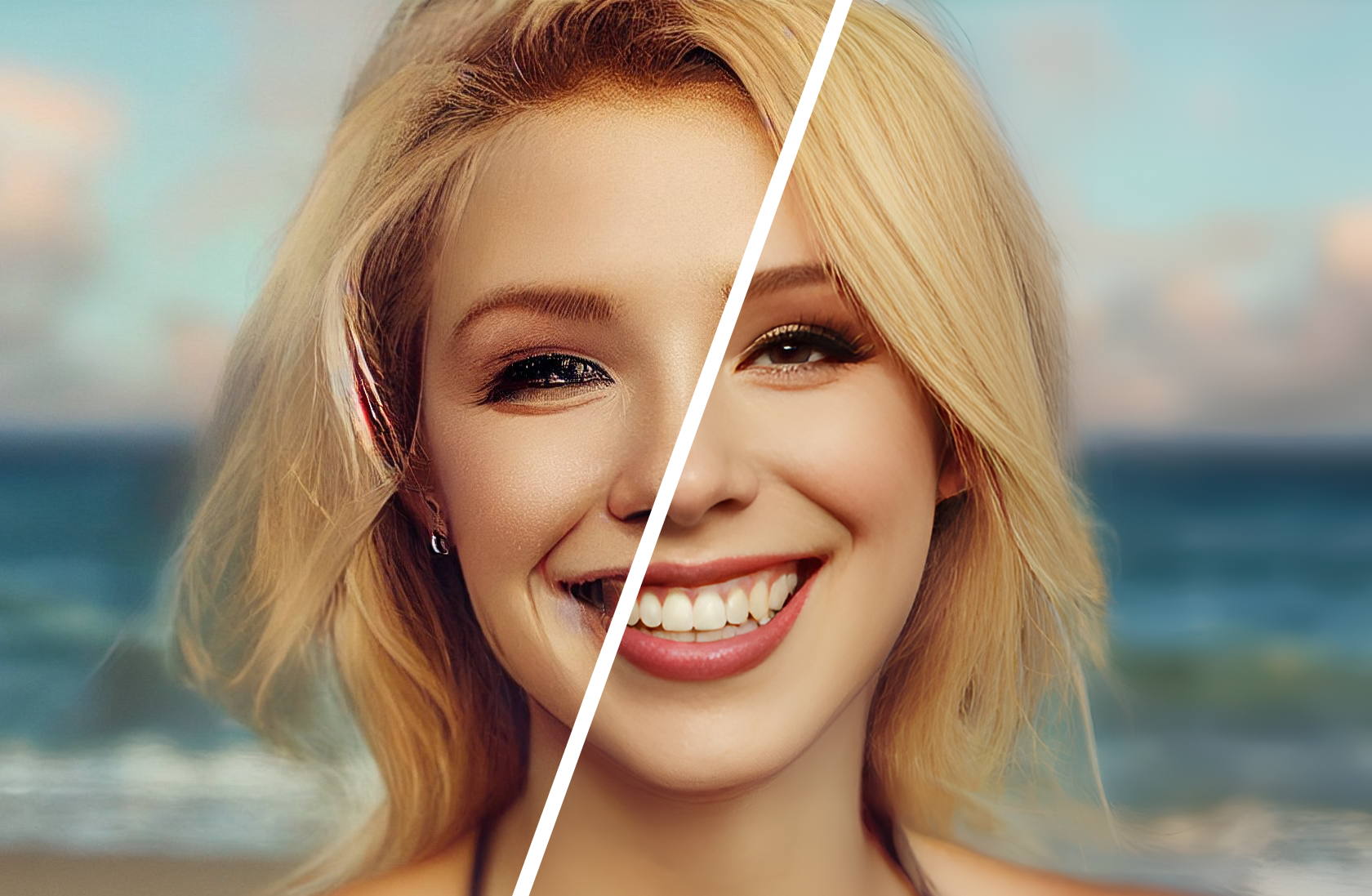
Restore and enhance faces in old photographs and AI-generated images. Takes a degraded or low-quality face image as inpu...
Upscales images using Real-ESRGAN with adjustable scaling factors from 0 to 10x. Includes optional GFPGAN face enhanceme...
Restores and enhances images using Swin Transformer architecture. Performs real-world image super-resolution in large an...
Default to GFPGAN — it is fast, cheap per run, and right for most inputs. Offer CodeFormer as the "stronger restoration" option, exposing the fidelity slider if your users care about likeness. Use Real-ESRGAN with face_enhance when the job is really an upscale that happens to contain faces.
All three are pay-per-run on Replicate with no idle cost, so for low volume there is no reason to self-host.
GFPGAN is the most widely used face restoration model on Replicate (115M+ runs) and the best default. CodeFormer is the strongest alternative when you need to control how faithful the restored face stays to the original.
GFPGAN is faster and simpler; CodeFormer is slower but adds a fidelity dial (0–1) plus background enhancement and face upsampling. If GFPGAN output looks too smooth or changes the person's appearance, switch to CodeFormer with fidelity around 0.7.
Yes — both GFPGAN and CodeFormer were designed for old photos and AI-generated faces. They are commonly chained after Stable Diffusion or Flux generations to clean up eyes, teeth, and skin artifacts.
Restore first, upscale second — or do both in one call with Real-ESRGAN's face_enhance. Upscaling a damaged face first only enlarges the artifacts the restorer then has to fight.