🤖 Model 🖼️
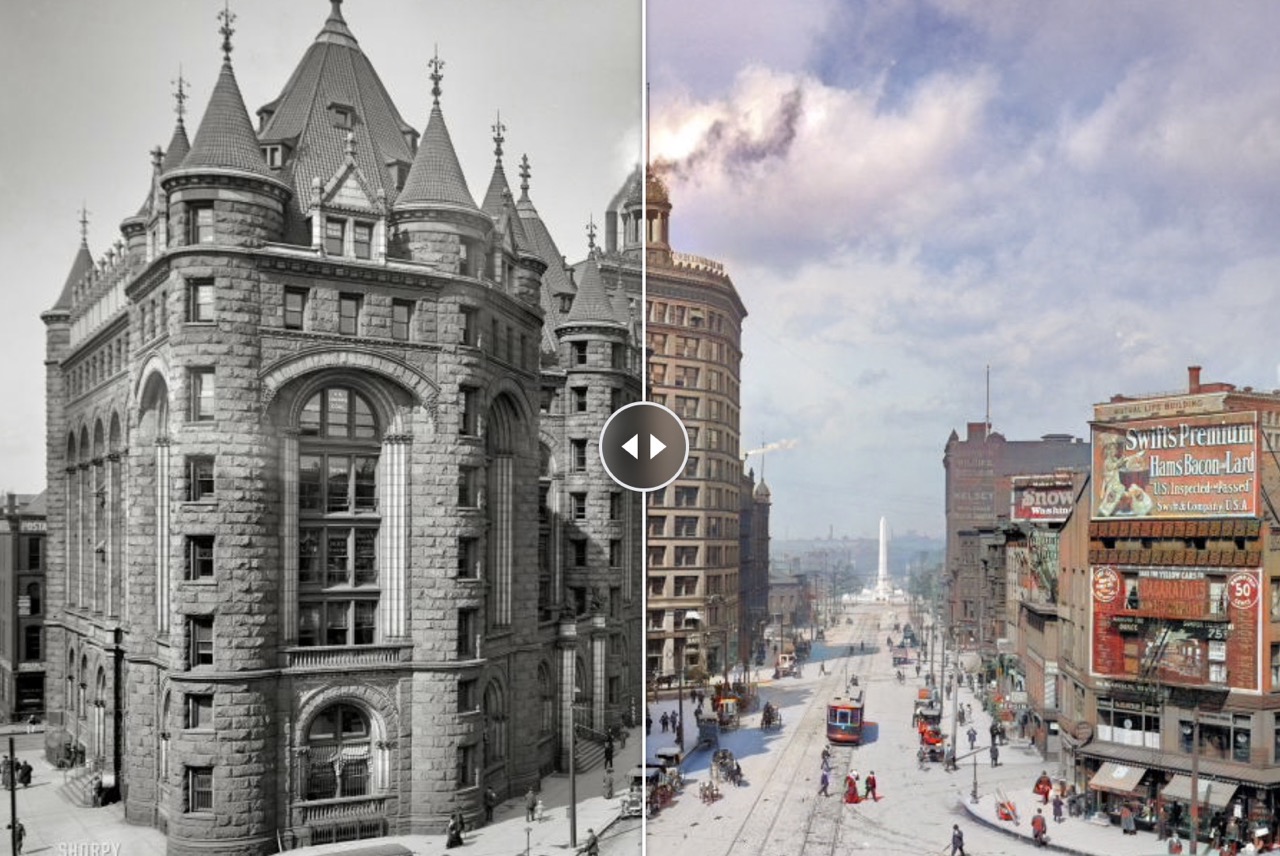
piddnad/ddcolor
Colorize black-and-white images into full-color outputs. Takes a grayscale image as input and returns a colorized image,...
Choosing an AI photo colorizer API is mostly a tradeoff between latency, idle cost, model quality, and how much infrastructure you want to own. The job itself is simple: take a black-and-white photo, old family photo, grayscale scan, or monochrome archive image and turn it into a believable color image.
For a handful of jobs per day, the best default is a true pay-per-use API with no monthly commitment. You do not need an always-on GPU just to colorize old photos occasionally.
For low-volume usage, start with Replicate piddnad/ddcolor or Fal.ai native fal-ai/ddcolor. Both work well for black-and-white photo to color workflows, avoid idle capacity costs, and are cheap enough that self-hosting does not make sense for sporadic traffic.
Use WaveSpeed Bria / FIBO Colorize when you need the fastest warm response and a commercial/SLA-oriented provider. Use RunPod, Netmind, DeepInfra, or Fal self-hosting only when volume, custom models, or backend control justify container maintenance.
| Use case | What matters | Start with |
|---|---|---|
| AI photo colorizer | General black-and-white to color output | Replicate DDColor or Fal DDColor |
| Colorize black and white photos | Simple photo upload and realistic colors | DDColor first, DeOldify second |
| Old photo colorizer | Older scans with faces, grain, or fading | Denoise or restore first, then DDColor |
| Restore old photos online | Repair plus colorization, not color only | GFPGAN/SwinIR before colorization, or a restore-image pipeline |
| Black and white photo to color API | Developer integration with predictable costs | Replicate, Fal.ai, or WaveSpeed |
| Photo restoration API | Cleaning, denoise, face repair, upscale, color | Chain restoration and colorization models |
| Denoise old photos | Remove grain before colorization | SCUNet, NAFNet, or SwinIR-style restoration |
| Sharpen old photos | Final crispness after colorization | Real-ESRGAN, Clarity Upscaler, or light SwinIR |
| Option | Low-volume fit | Cold start / latency | Billing shape | Best use |
|---|---|---|---|---|
Replicate piddnad/ddcolor |
Excellent | Typical warm/cold serverless latency | Pay per run | Default low-cost AI photo colorizer |
Fal.ai fal-ai/ddcolor |
Excellent | Fast serverless startup | Pay per megapixel | Cheap turnkey serverless colorization |
| Replicate DeOldify | Excellent | Slower, but configurable | Pay per run | Older photos where render-factor control matters |
| Replicate BigColor | Good but pricier | Slower, often multiple outputs | Pay per run | Palette variations and subjective color choices |
| WaveSpeed Bria Colorize | Strong for premium tiers | Persistent pools, no meaningful cold start | Pay per image / commercial API | SLA, speed, commercial redistribution |
| Pixazo | Situational | Warm SaaS workflow | Usage credits | If already using its editing platform |
| RunPod / Netmind serverless | Good technical fallback | Container cold starts | Pay per second | BYO model without dedicated idle cost |
| RunPod / Netmind dedicated | Poor for low volume | No cold start once running | Hourly reserved capacity | High sustained throughput |
| DeepInfra custom endpoint | Overkill for sporadic jobs | Cold unless replicas stay warm | GPU-second / endpoint billing | Custom deployment with managed inference |
| Together AI dedicated container | Poor for sporadic jobs | Warm when reserved | Hourly GPU allocation | Consolidated media workloads at scale |
| Synexa / Kie.ai / Pollo | Niche | Depends on hosted flow | Sales, SDK, or workflow markup | Compliance, SDK orchestration, or no-code workflows |
The strongest Replicate baseline is DDColor. It is designed for photo-realistic image colorization and is the easiest first integration because it takes a grayscale image and returns a colorized output. Use it for the standard “colorize my black-and-white photo” path.
DeOldify is useful when you want more control. Its render factor lets you trade speed, detail, and color intensity. Lower values are often better for degraded old photos; higher values can work better on cleaner inputs.
BigColor is better when the “correct” color is subjective. It can produce more stylistic or varied outputs, which is useful if the UI lets a user choose a preferred palette.
For old or damaged photos, consider a two-step workflow: restore or clean the image first, then colorize it. Face restoration with GFPGAN or general denoise/upscale with models such as SwinIR can reduce artifacts before colorization.
A colorizer alone is not always enough for old family photos or scanned archive images. If the source image has scratches, film grain, JPEG blocks, faded faces, or blur, the better workflow is:
This gives the AI colorizer a cleaner input and reduces false color patches, muddy skin tones, and noisy backgrounds.
For only a few colorization jobs each day, paying for an always-on GPU usually wastes money. Even a cheap dedicated GPU has hundreds of idle hours per month. Serverless APIs win because you pay only when a user submits an image.
Dedicated GPUs become interesting only when utilization is high enough that the hourly machine cost is spread across tens of thousands of monthly jobs. Below that point, Replicate, Fal.ai, or another pay-per-use API is simpler and cheaper.
Cold starts matter because low-volume apps do not keep GPU containers warm naturally. Replicate, Fal.ai, RunPod Serverless, Netmind Serverless, and DeepInfra can all have first-request latency when the backend is cold. This is acceptable for occasional jobs if the user can wait a few seconds.
If latency must be consistently under a couple of seconds, WaveSpeed’s warm-pool model is the cleaner option. Dedicated GPUs also avoid cold starts, but they introduce standing cost even when nobody is using the product.
Colorize black-and-white images into full-color outputs. Takes a grayscale image as input and returns a colorized image,...
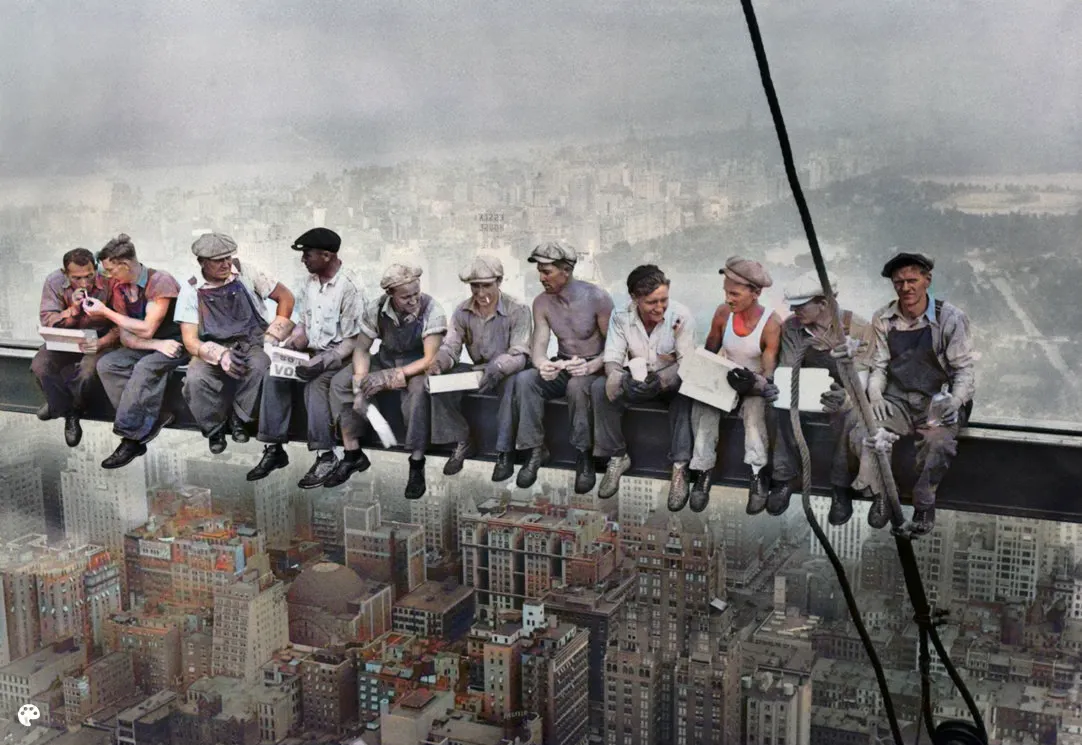
Colorize black-and-white or faded photos from an input image, returning a colorized image. Choose Artistic for vibrant,...
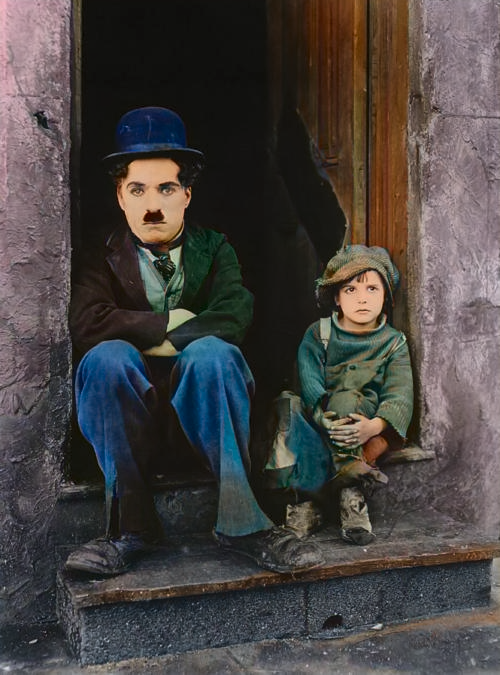
Colorize black-and-white images from a single input image and return multiple plausible colorized outputs. Use Real Gray...
GFPGAN by TencentARC is a practical face restoration model that enhances and restores degraded face images. It leverages...
Restores and enhances images using Swin Transformer architecture. Performs real-world image super-resolution in large an...
Use Replicate DDColor as the first production baseline for a simple AI photo colorizer. Add Fal.ai DDColor as a second low-cost provider if you want redundancy or per-megapixel economics. Offer BigColor or DeOldify as optional modes when users want alternative palettes or more control.
Keep WaveSpeed Bria Colorize as the premium/enterprise path for users who care about guaranteed speed, commercial licensing, or SLA-style reliability. Defer dedicated RunPod, Netmind, DeepInfra, or Together deployments until colorization volume is high enough to justify keeping infrastructure warm.
Denoise removes grain, compression artifacts, scanning noise, and blotchy texture from old or low-quality photos. It is useful before colorization because colorizers can accidentally amplify noise into false color patches.
Sharpening increases perceived edge clarity after restoration, denoise, or upscaling. It can make faces, clothing, and architecture look crisper, but too much sharpening creates halos and crunchy artifacts.
For old-photo colorization, avoid aggressive enhancement before the color step. A safe pipeline is: light denoise, face restoration if needed, colorization, then gentle sharpening or upscaling only if the final image needs it.
Replicate DDColor and Fal.ai DDColor are the strongest starting points because they are pay-per-use and have no idle capacity cost. WaveSpeed is better when guaranteed low latency matters more than raw cost.
Denoise first when the black-and-white photo has visible grain, scan artifacts, or compression noise. Clean inputs usually produce more stable and natural colorization.
No. Colorization adds plausible color to a grayscale image. Photo restoration can also include denoise, scratch repair, face restoration, sharpening, and upscaling. Old photos often need both.
Use BigColor when users may want several plausible color palettes. Use DDColor when the goal is one fast, natural-looking colorized photo.