🤖 Model 🖼️
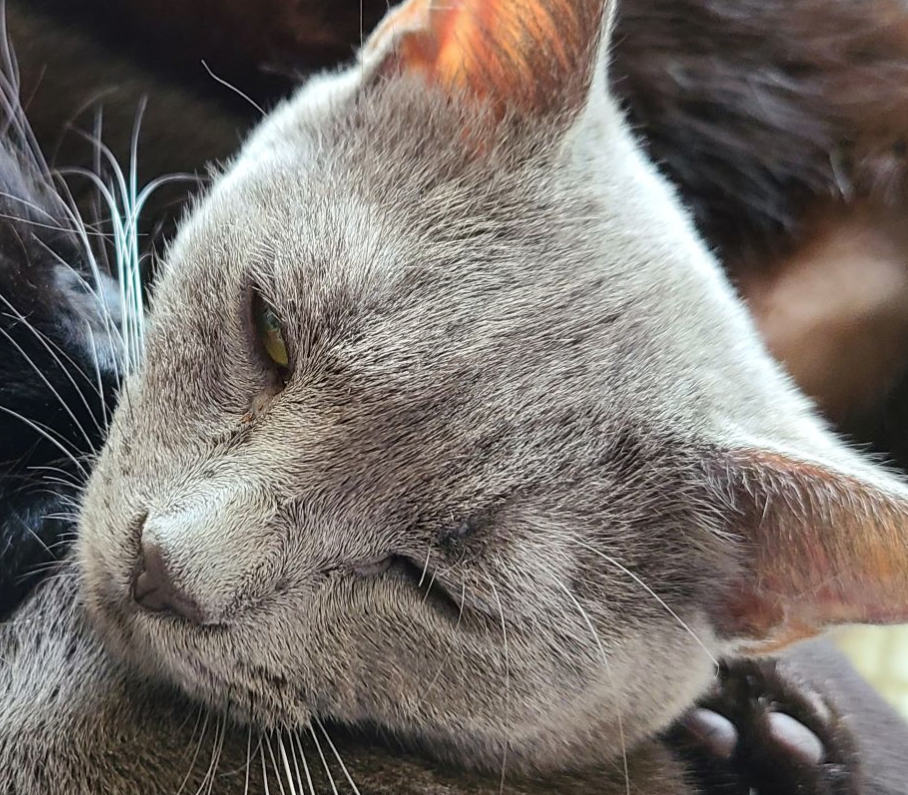
nightmareai/real-esrgan
Upscales images using Real-ESRGAN with adjustable scaling factors from 0 to 10x. Includes optional GFPGAN face enhanceme...
An image upscaling API enlarges an image (typically 2–4×) while adding plausible detail instead of blur. The distinction that matters when choosing one: faithful upscalers reconstruct what is there, while creative upscalers repaint detail and can noticeably change the image.
Replicate hosts the standard options: Real-ESRGAN (94M+ runs, the faithful default), Clarity Upscaler (29M+ runs, the creative one), SwinIR (6M+ runs, restoration-oriented), and NAFNet (1.4M+ runs, denoise/deblur rather than enlarge).
Default to nightmareai/real-esrgan. It is fast (~3s in example runs), predictable, faithful to the input, and has an optional face_enhance flag for photos with people.
Use philz1337x/clarity-upscaler when the goal is a better-looking image, not a faithful enlargement — it is prompt-guided and repaints texture (skin, fabric, foliage) at the cost of fidelity and speed (~13s).
Use jingyunliang/swinir when the input is degraded — its task_type covers upscaling plus denoising and JPEG-artifact removal in one model. Use megvii-research/nafnet when the image is the right size but noisy or blurry: it denoises and deblurs without enlarging.
| Use case | What matters | Start with |
|---|---|---|
| Image upscaling API | Enlarge 2–4× with clean detail | Real-ESRGAN |
| AI photo enhancer | Make a photo look better overall | Clarity Upscaler |
| Upscale image with faces | Enlargement plus face correction | Real-ESRGAN with face_enhance |
| Remove JPEG artifacts | Compression cleanup, maybe upscale | SwinIR |
| Denoise / deblur photo | Fix quality at the same resolution | NAFNet |
| Old photo restoration | Faces, damage, then enlargement | See the restoration pipeline below |
| Model | Runs on Replicate | Example speed | Character | Best for |
|---|---|---|---|---|
| nightmareai/real-esrgan | 94M+ | ~3s | Faithful | Default upscaling, product images, batch jobs |
| philz1337x/clarity-upscaler | 29M+ | ~13s | Creative, prompt-guided | Marketing imagery, AI-art enhancement |
| jingyunliang/swinir | 6M+ | varies by task | Restoration-oriented | Degraded inputs: noise, JPEG artifacts |
| megvii-research/nafnet | 1.4M+ | ~2s | Corrective, no enlargement | Denoise and deblur at native resolution |
Real-ESRGAN treats upscaling as reconstruction: the output is the same picture with more pixels. That makes it right for product photos, documents, and anything where changing content is unacceptable.
Clarity Upscaler treats upscaling as re-rendering: a diffusion model guided by a prompt repaints the image at higher resolution. Results can look dramatically better — sharper skin, richer texture — but small details can shift. Its inputs (prompt, dynamic, handfix, masks) make it closer to an enhancement tool than a resizer.
SwinIR sits between: pick a task_type (real-world upscaling, denoising, JPEG artifact reduction) and it restores accordingly. NAFNet is the odd one out — not an upscaler at all, but the right first step when the problem is noise or motion blur rather than resolution.
Upscaling is usually the last step of photo restoration:
Upscaling first only magnifies the defects every later step has to fight.
Upscales images using Real-ESRGAN with adjustable scaling factors from 0 to 10x. Includes optional GFPGAN face enhanceme...
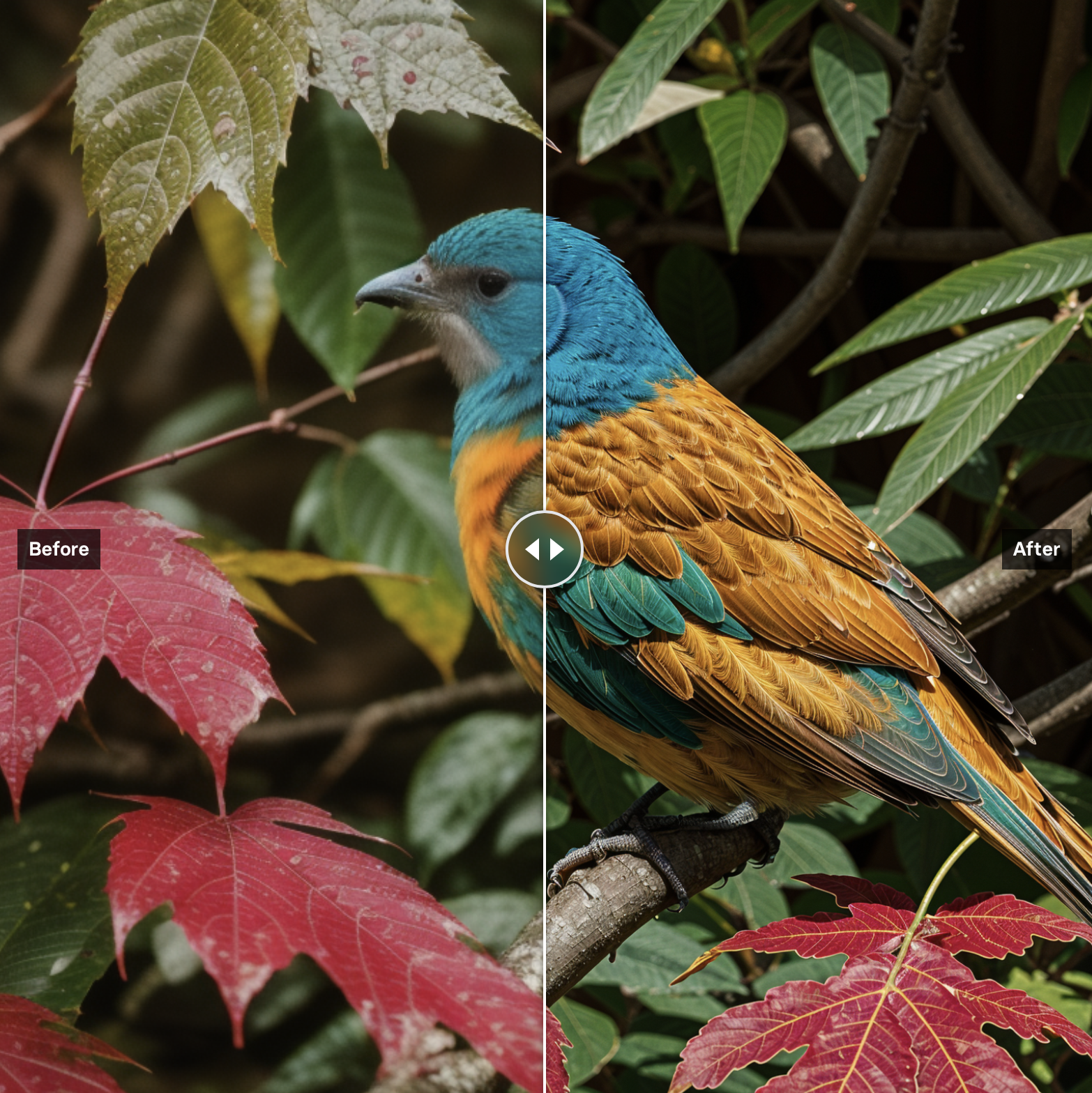
Upscales and enhances images to higher resolutions using AI-based techniques. Takes an input image and applies sophistic...
Restores and enhances images using Swin Transformer architecture. Performs real-world image super-resolution in large an...
NAFNet by Megvii Research is an efficient image restoration model that achieves state-of-the-art denoising and deblurrin...
Wire Real-ESRGAN as the default upscale path — fast, cheap, faithful, with face_enhance when needed. Offer Clarity Upscaler as a premium "enhance" option where users accept creative liberties. Route visibly degraded inputs through SwinIR or NAFNet first instead of upscaling the damage.
Real-ESRGAN is the most-used upscaler on Replicate (94M+ runs) and the best default. Clarity Upscaler is the strongest choice when you want enhancement rather than faithful enlargement.
Real-ESRGAN preserves the image and just adds resolution; Clarity repaints detail with a diffusion model and can change small features. Faithfulness → Real-ESRGAN. Looks → Clarity.
Real-ESRGAN's face_enhance flag applies face restoration during upscaling. For badly damaged faces, run a dedicated face restoration model first.
Yes — NAFNet deblurs and denoises at native resolution, and SwinIR's denoising task does the same. Upscaling is not required to improve quality.