justmalhar/flux-excalidraw 🖼️🔢❓📝✓ → 🖼️
Performance
75.4sTypical run time
64Total runs
About
Flux model trained on my Excalidraw notes - keyword “EXCALIDRAW”

Example Output
Prompt:
"A handrawn sketch in the style of EXCALIDRAW shows a computer operating system with title text “LLM OS” . The sketch is divided into sections, each with a different function of the operating system. The sections include keyboard shortcuts, game controller, and a summary of the operating system. The drawing is done in a cartoon style, making it visually appealing and easy to understand."
Output
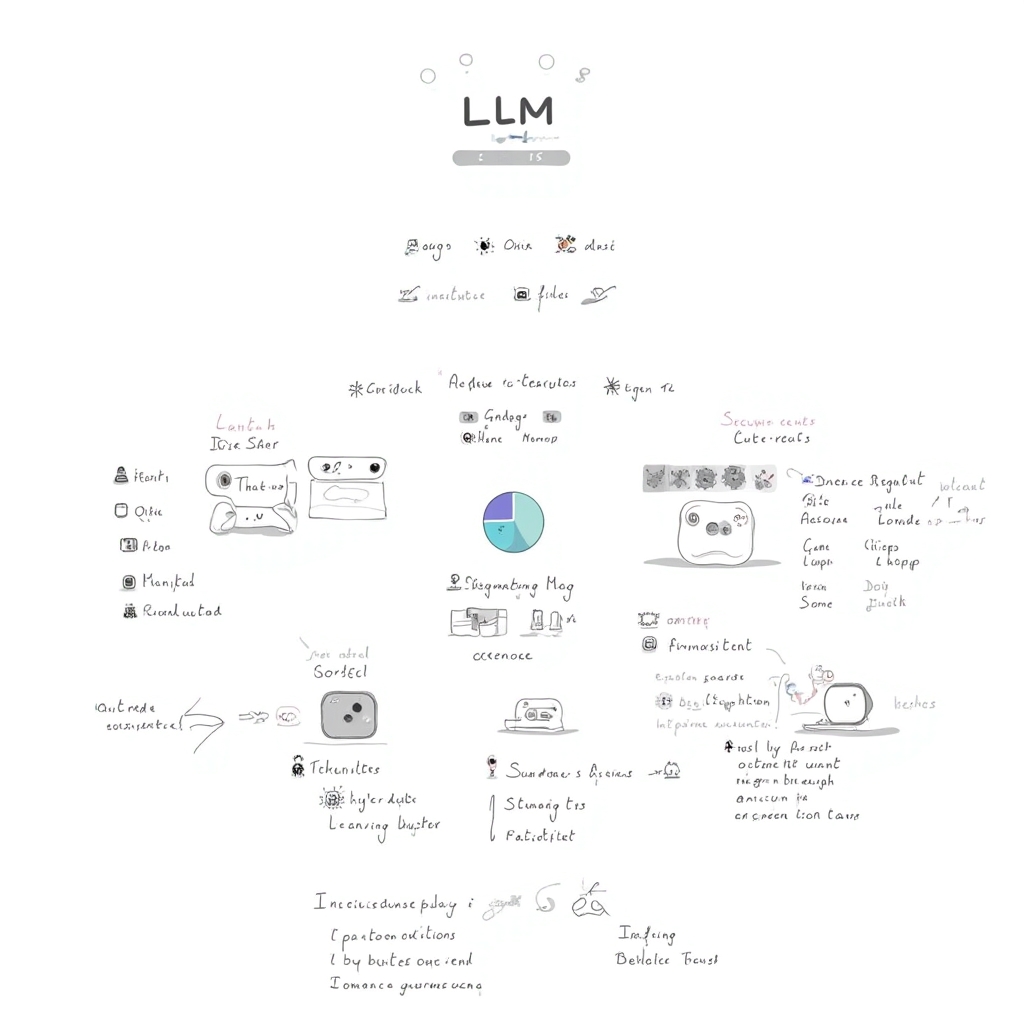
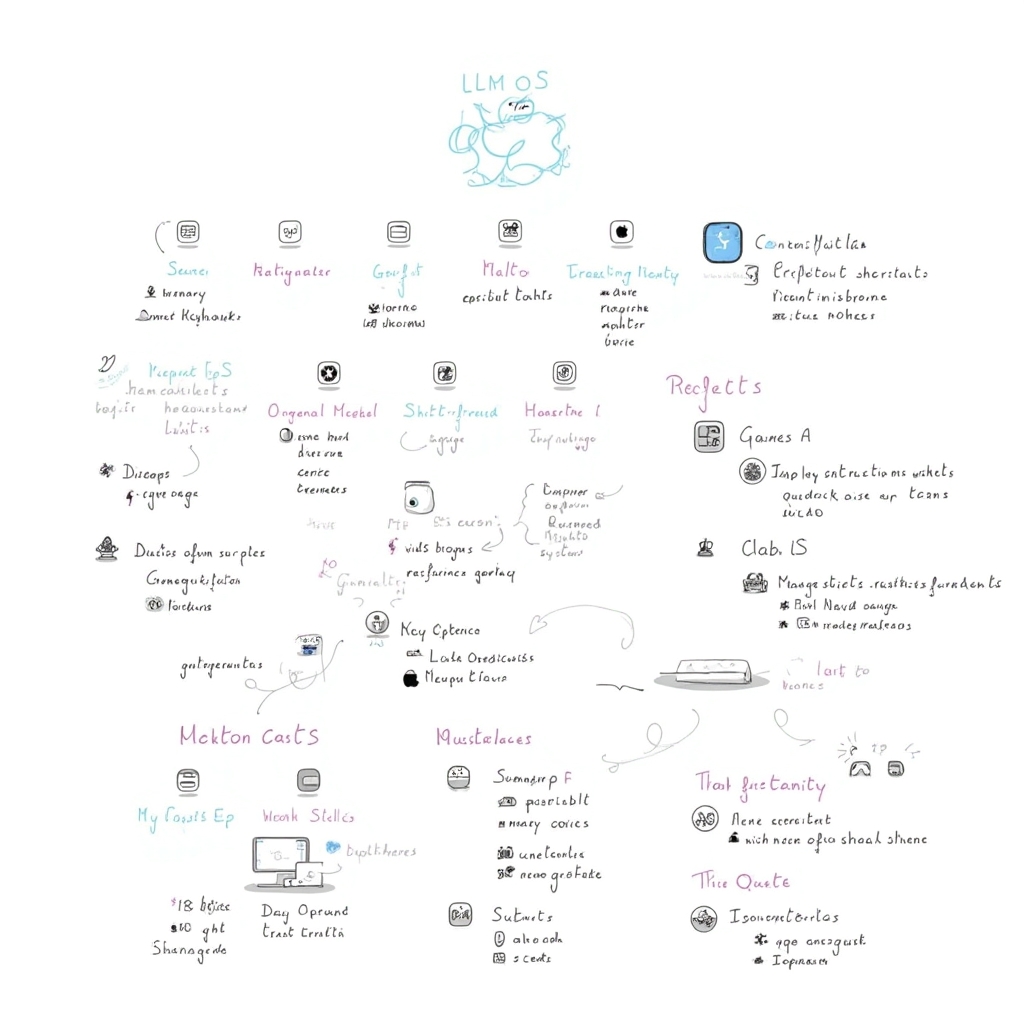
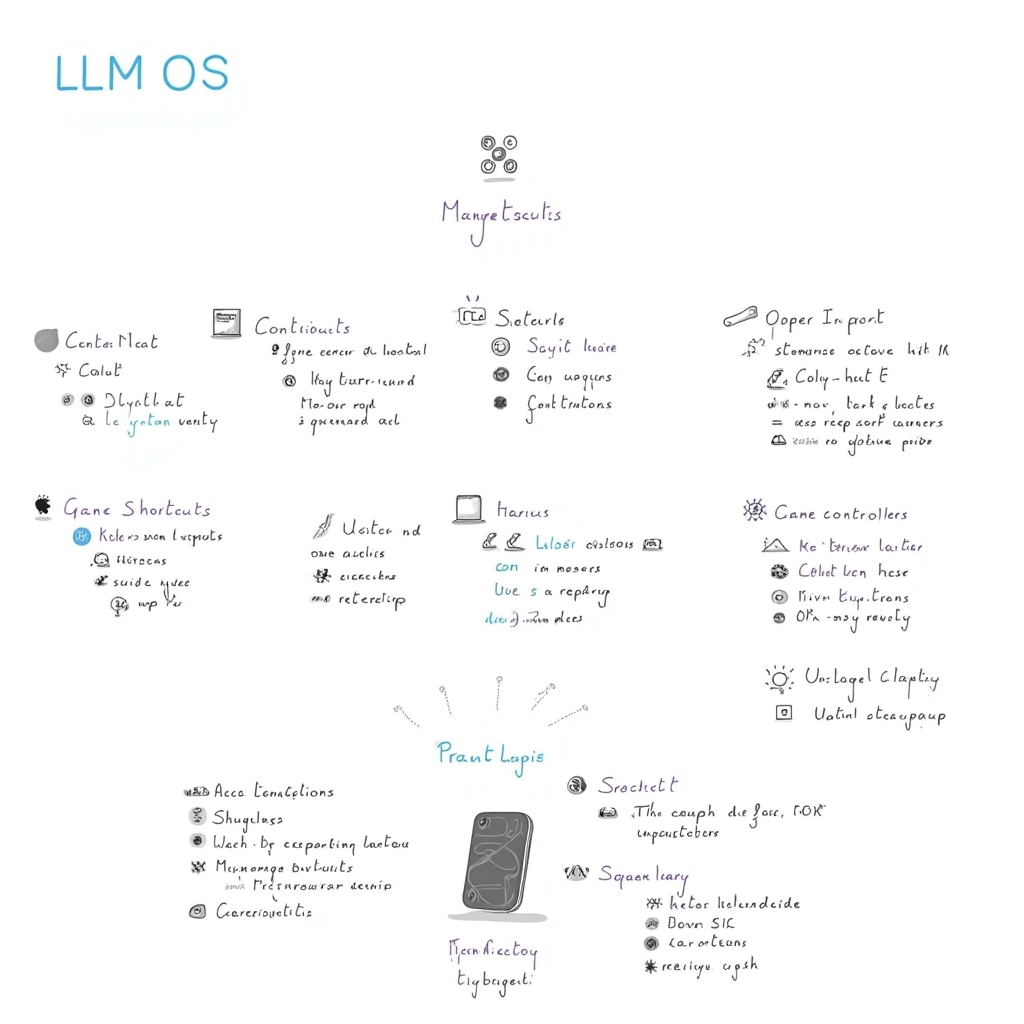
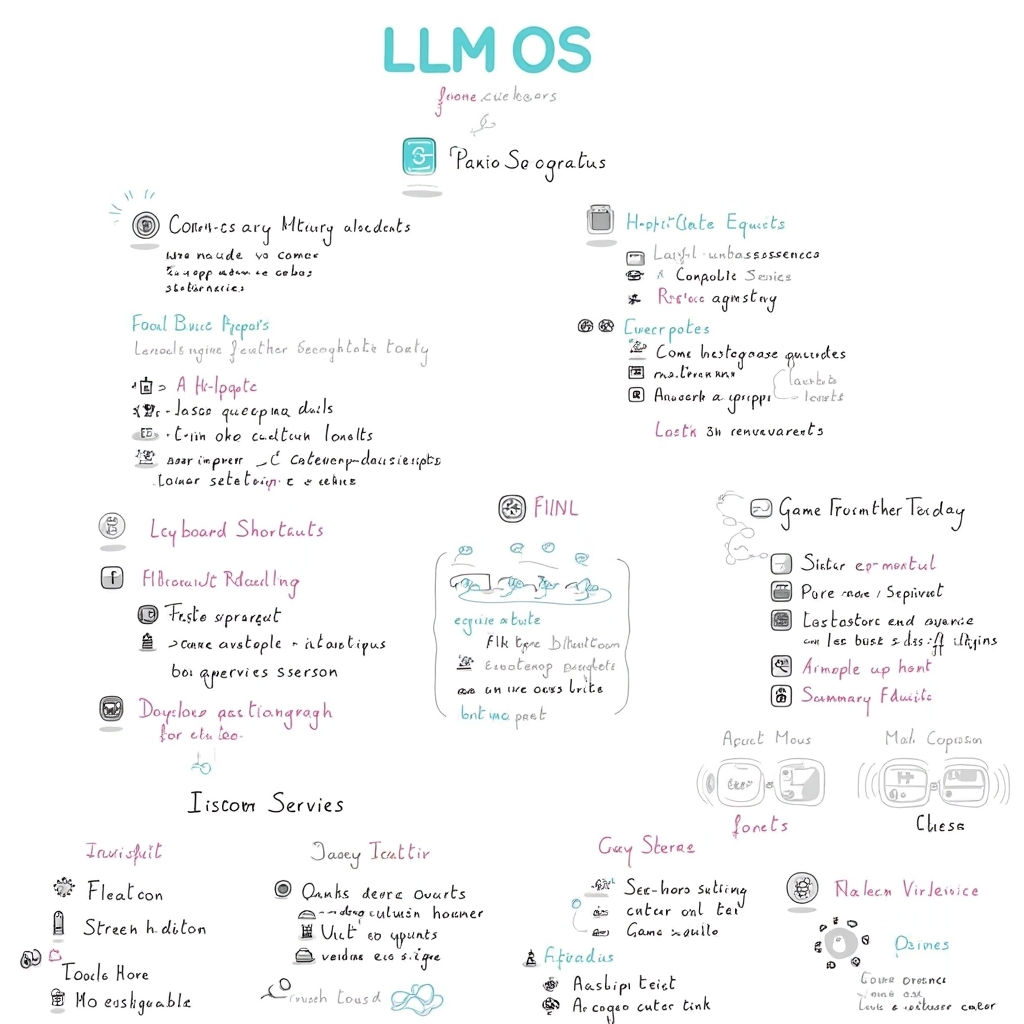
Performance Metrics
75.40s
Prediction Time
77.10s
Total Time
All Input Parameters
{
  "model": "dev",
  "prompt": "A handrawn sketch in the style of EXCALIDRAW shows a computer operating system with title text “LLM OS” . The sketch is divided into sections, each with a different function of the operating system. The sections include keyboard shortcuts, game controller, and a summary of the operating system. The drawing is done in a cartoon style, making it visually appealing and easy to understand.",
  "lora_scale": 1,
  "num_outputs": 4,
  "aspect_ratio": "1:1",
  "output_format": "jpg",
  "guidance_scale": 3.5,
  "output_quality": 100,
  "prompt_strength": 0.8,
  "extra_lora_scale": 1,
  "num_inference_steps": 28
}
Input Parameters
- mask
- Image mask for image inpainting mode. If provided, aspect_ratio, width, and height inputs are ignored.
- seed
- Random seed. Set for reproducible generation
- image
- Input image for image to image or inpainting mode. If provided, aspect_ratio, width, and height inputs are ignored.
- model
- Which model to run inference with. The dev model performs best with around 28 inference steps but the schnell model only needs 4 steps.
- width
- Width of generated image. Only works if `aspect_ratio` is set to custom. Will be rounded to nearest multiple of 16. Incompatible with fast generation
- height
- Height of generated image. Only works if `aspect_ratio` is set to custom. Will be rounded to nearest multiple of 16. Incompatible with fast generation
- prompt (required)
- Prompt for generated image. If you include the `trigger_word` used in the training process you are more likely to activate the trained object, style, or concept in the resulting image.
- go_fast
- Run faster predictions with model optimized for speed (currently fp8 quantized); disable to run in original bf16
- extra_lora
- Load LoRA weights. Supports Replicate models in the format <owner>/<username> or <owner>/<username>/<version>, HuggingFace URLs in the format huggingface.co/<owner>/<model-name>, CivitAI URLs in the format civitai.com/models/<id>[/<model-name>], or arbitrary .safetensors URLs from the Internet. For example, 'fofr/flux-pixar-cars'
- lora_scale
- Determines how strongly the main LoRA should be applied. Sane results between 0 and 1 for base inference. For go_fast we apply a 1.5x multiplier to this value; we've generally seen good performance when scaling the base value by that amount. You may still need to experiment to find the best value for your particular lora.
- megapixels
- Approximate number of megapixels for generated image
- num_outputs
- Number of outputs to generate
- aspect_ratio
- Aspect ratio for the generated image. If custom is selected, uses height and width below & will run in bf16 mode
- output_format
- Format of the output images
- guidance_scale
- Guidance scale for the diffusion process. Lower values can give more realistic images. Good values to try are 2, 2.5, 3 and 3.5
- output_quality
- Quality when saving the output images, from 0 to 100. 100 is best quality, 0 is lowest quality. Not relevant for .png outputs
- prompt_strength
- Prompt strength when using img2img. 1.0 corresponds to full destruction of information in image
- extra_lora_scale
- Determines how strongly the extra LoRA should be applied. Sane results between 0 and 1 for base inference. For go_fast we apply a 1.5x multiplier to this value; we've generally seen good performance when scaling the base value by that amount. You may still need to experiment to find the best value for your particular lora.
- replicate_weights
- Load LoRA weights. Supports Replicate models in the format <owner>/<username> or <owner>/<username>/<version>, HuggingFace URLs in the format huggingface.co/<owner>/<model-name>, CivitAI URLs in the format civitai.com/models/<id>[/<model-name>], or arbitrary .safetensors URLs from the Internet. For example, 'fofr/flux-pixar-cars'
- num_inference_steps
- Number of denoising steps. More steps can give more detailed images, but take longer.
- disable_safety_checker
- Disable safety checker for generated images.
Output Schema
Output
Example Execution Logs
Using seed: 1485
Prompt: A handrawn sketch in the style of EXCALIDRAW shows a computer operating system with title text “LLM OS” . The sketch is divided into sections, each with a different function of the operating system. The sections include keyboard shortcuts, game controller, and a summary of the operating system. The drawing is done in a cartoon style, making it visually appealing and easy to understand.
[!] txt2img mode
Using dev model
free=4626895077376
Downloading weights
2024-09-28T08:42:33Z | INFO  | [ Initiating ] chunk_size=150M dest=/tmp/tmp7x32phfa/weights url=https://replicate.delivery/yhqm/0D8yaMZoPV5bGd9qo3djWuYFP5UUX4HK97sbnb538hZDyV4E/trained_model.tar
2024-09-28T08:42:36Z | INFO  | [ Complete ] dest=/tmp/tmp7x32phfa/weights size="430 MB" total_elapsed=2.934s url=https://replicate.delivery/yhqm/0D8yaMZoPV5bGd9qo3djWuYFP5UUX4HK97sbnb538hZDyV4E/trained_model.tar
Downloaded weights in 2.97s
Loaded LoRAs in 3.84s
  0%|          | 0/28 [00:00<?, ?it/s]
  4%|▎         | 1/28 [00:02<01:07,  2.48s/it]
  7%|▋         | 2/28 [00:04<00:57,  2.20s/it]
 11%|█         | 3/28 [00:06<00:58,  2.33s/it]
 14%|█▍        | 4/28 [00:09<00:57,  2.39s/it]
 18%|█▊        | 5/28 [00:11<00:55,  2.43s/it]
 21%|██▏       | 6/28 [00:14<00:53,  2.45s/it]
 25%|██▌       | 7/28 [00:16<00:51,  2.46s/it]
 29%|██▊       | 8/28 [00:19<00:49,  2.47s/it]
 32%|███▏      | 9/28 [00:21<00:47,  2.48s/it]
 36%|███▌      | 10/28 [00:24<00:44,  2.48s/it]
 39%|███▉      | 11/28 [00:26<00:42,  2.48s/it]
 43%|████▎     | 12/28 [00:29<00:39,  2.49s/it]
 46%|████▋     | 13/28 [00:31<00:37,  2.49s/it]
 50%|█████     | 14/28 [00:34<00:34,  2.49s/it]
 54%|█████▎    | 15/28 [00:36<00:32,  2.49s/it]
 57%|█████▋    | 16/28 [00:39<00:29,  2.49s/it]
 61%|██████    | 17/28 [00:41<00:27,  2.49s/it]
 64%|██████▍   | 18/28 [00:44<00:24,  2.49s/it]
 68%|██████▊   | 19/28 [00:46<00:22,  2.49s/it]
 71%|███████▏  | 20/28 [00:49<00:19,  2.49s/it]
 75%|███████▌  | 21/28 [00:51<00:17,  2.49s/it]
 79%|███████▊  | 22/28 [00:54<00:14,  2.50s/it]
 82%|████████▏ | 23/28 [00:56<00:12,  2.50s/it]
 86%|████████▌ | 24/28 [00:59<00:09,  2.50s/it]
 89%|████████▉ | 25/28 [01:01<00:07,  2.50s/it]
 93%|█████████▎| 26/28 [01:04<00:04,  2.50s/it]
 96%|█████████▋| 27/28 [01:06<00:02,  2.50s/it]
100%|██████████| 28/28 [01:09<00:00,  2.50s/it]
100%|██████████| 28/28 [01:09<00:00,  2.47s/it]
Version Details
- Version ID
f854fe3a91032428d4a0d3717cba6314887a6f248cbd1568e58eb424d69bf994- Version Created
- September 28, 2024