prunaai/p-image 🔢📝❓✓ → 🖼️
Performance
About
A sub 1 second text-to-image model built for production use cases.
Example Output
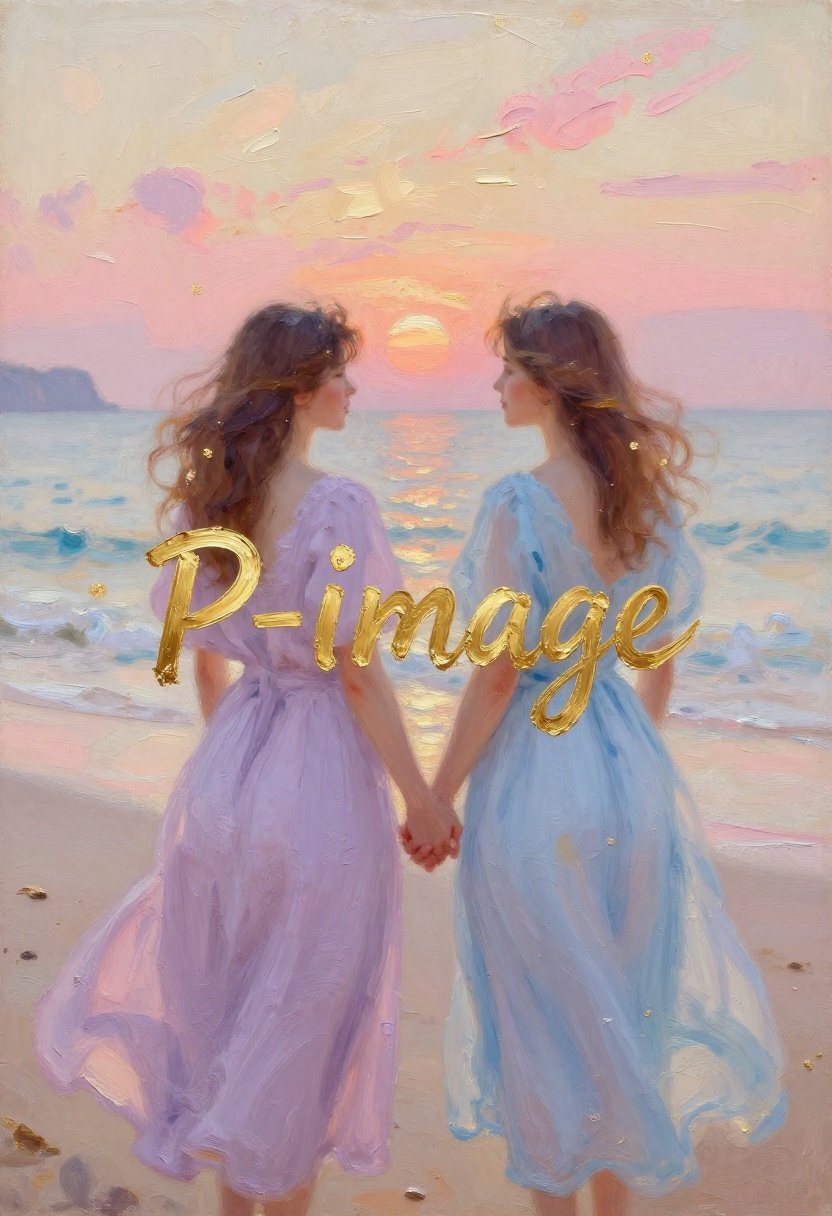
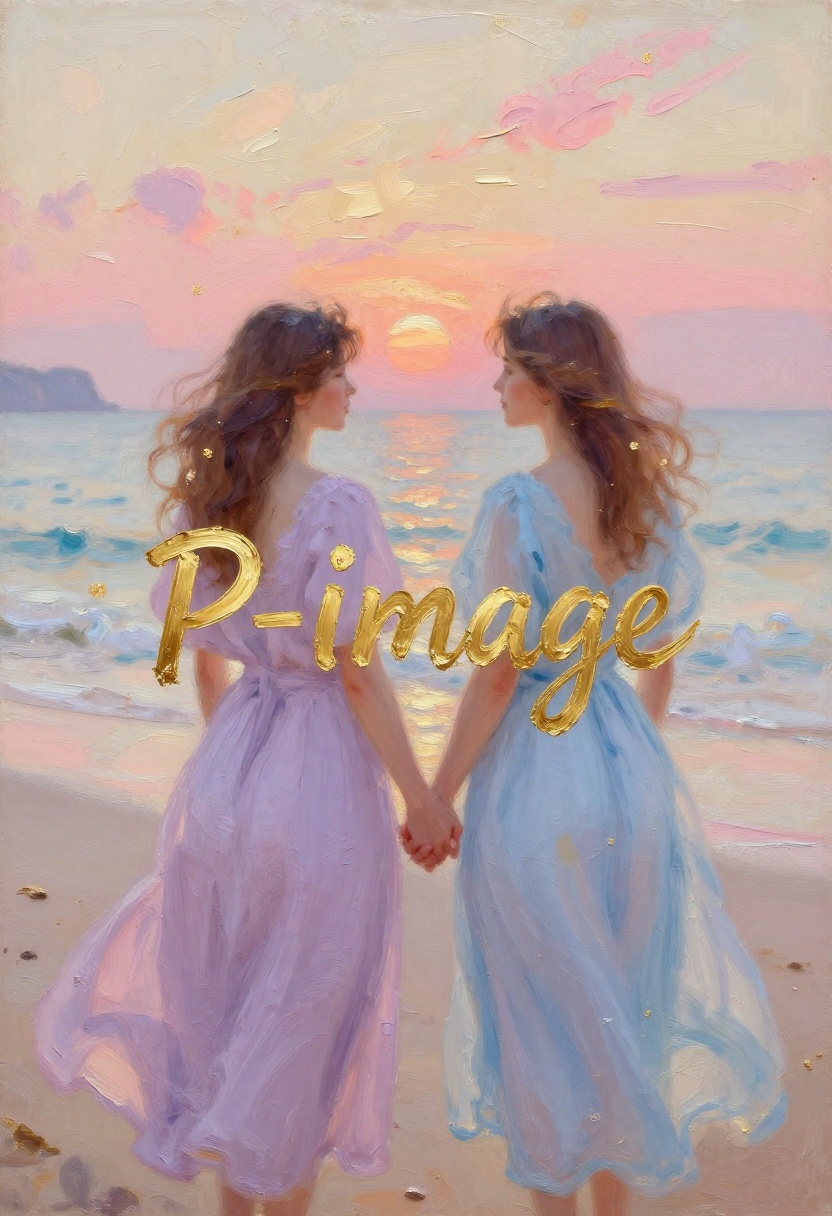
"Two women in flowing pastel lavender and pale blue dresses, holding hands while walking on a beach at sunset, romantic impressionist oil painting with thick palette-knife impasto, soft pastel colors, gold leaf accents, and dreamy texture, beside gentle waves reflecting a peach sun, distant cliffs, blush-pink clouds, cream sky strokes, and a peaceful nostalgic coastal atmosphere. In the very center, beautifully and largely written: "P-Image". The letters are painted in metallic gold paint, with visible brush strokes, uneven hand-painted edges, thick impasto texture, palette-knife ridges, small bristle marks, and subtle gold-leaf shine. The text should look like it was physically painted onto the canvas, not like a digital font."
Output
Performance Metrics
All Input Parameters
{
  "seed": 0,
  "prompt": "Two women in flowing pastel lavender and pale blue dresses, holding hands while walking on a beach at sunset, romantic impressionist oil painting with thick palette-knife impasto, soft pastel colors, gold leaf accents, and dreamy texture, beside gentle waves reflecting a peach sun, distant cliffs, blush-pink clouds, cream sky strokes, and a peaceful nostalgic coastal atmosphere. In the very center, beautifully and largely written: \"P-Image\". The letters are painted in metallic gold paint, with visible brush strokes, uneven hand-painted edges, thick impasto texture, palette-knife ridges, small bristle marks, and subtle gold-leaf shine. The text should look like it was physically painted onto the canvas, not like a digital font.",
  "lora_scale": 0.5,
  "aspect_ratio": "2:3",
  "prompt_upsampling": true
}
Input Parameters
- seed
- Random seed. Set for reproducible generation.
- width
- Width of the generated image. Only used when aspect_ratio=custom. Must be a multiple of 16.
- height
- Height of the generated image. Only used when aspect_ratio=custom. Must be a multiple of 16.
- prompt (required)
- Text prompt for image generation.
- lora_scale
- Determines how strongly the main LoRA should be applied. 0.5 usually works well for most LoRAs.
- aspect_ratio
- Aspect ratio for the generated image.
- hf_api_token
- HuggingFace API token. If you're using a HuggingFace LoRAs that needs authentication, you'll need to provide an API token.
- lora_weights
- Load LoRA weights. Supports HuggingFace URLs in the format huggingface.co/<owner>/<model-name>[/<lora-weights-file.safetensors>]. HuggingFace LoRAs may require an API token to access, which you can provide in the `hf_api_token` input.
- prompt_upsampling
- Upsample the prompt with an LLM.
- disable_safety_checker
- Disable safety checker for generated images.
- enable_copyright_filter
- Reject prompts that ask for copyrighted characters, trademarks or logos, or a real person's likeness.
Output Schema
Output
Example Execution Logs
Using seed: 0
  0%|          | 0/8 [00:00<?, ?it/s]
 38%|███▊      | 3/8 [00:00<00:00, 20.19it/s]
 75%|███████▌  | 6/8 [00:00<00:00, 17.09it/s]
100%|██████████| 8/8 [00:00<00:00, 16.45it/s]
100%|██████████| 8/8 [00:00<00:00, 16.92it/s]
Generation took 0.65 seconds
Version Details
- Version ID
fffafa9f82e6614917b2baae747d5caed8161a86b6df61be7575e00b02f68d0c- Version Created
- October 15, 2026