topazlabs/image-upscale 🖼️❓✓🔢 → 🖼️
Performance
12.8sTypical run time
3.6MTotal runs
About
Professional-grade image upscaling, from Topaz Labs
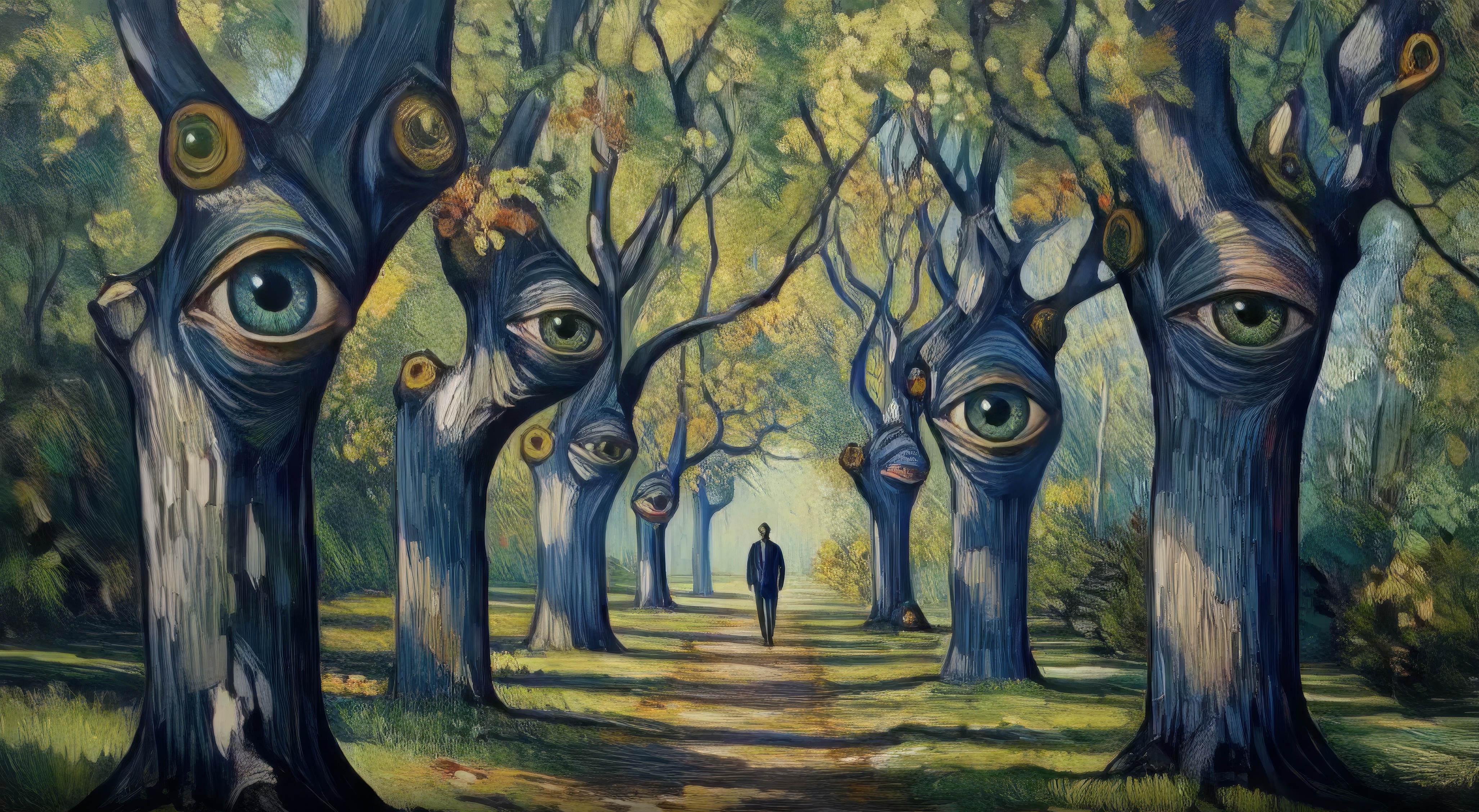
Example Output
Output
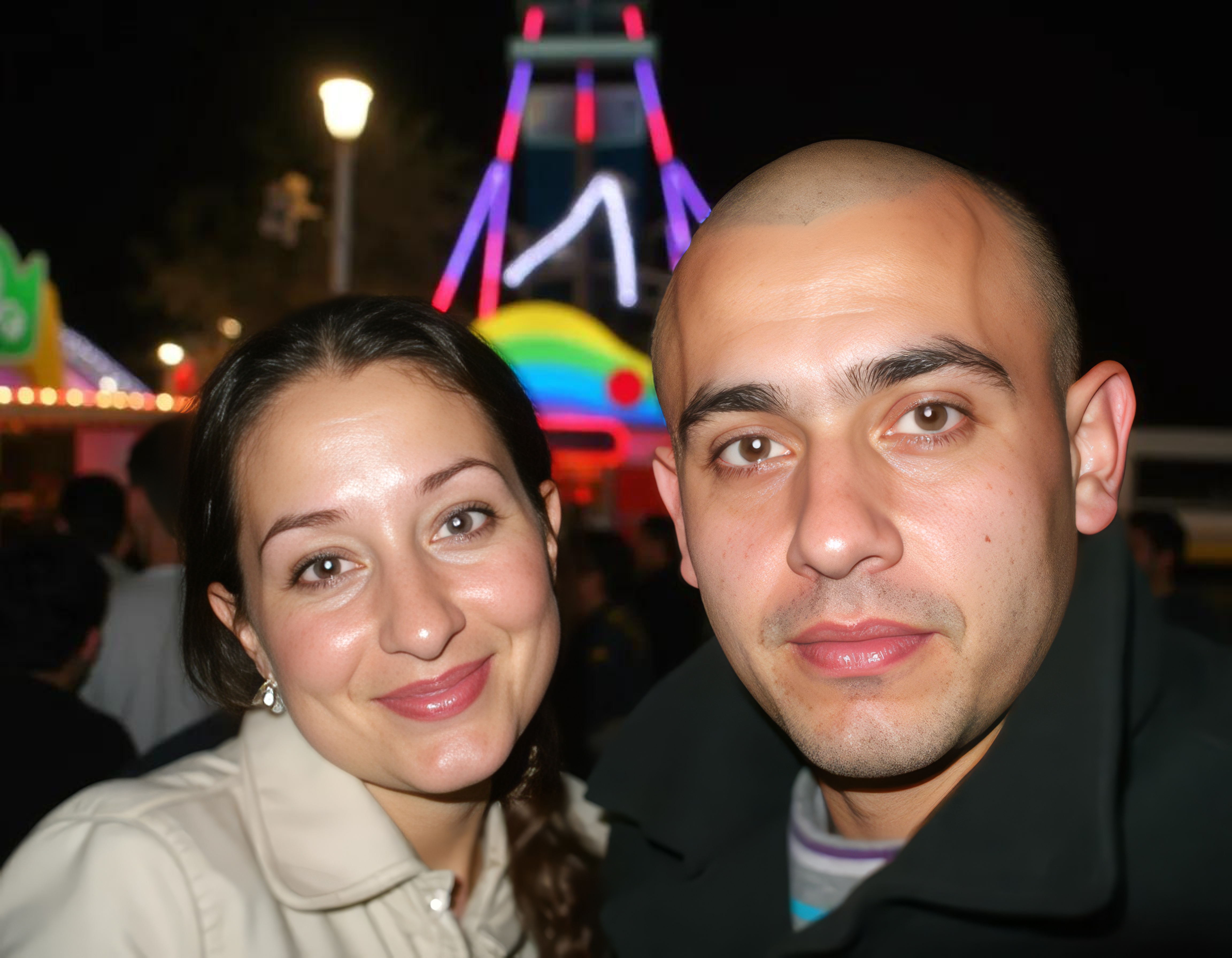
Performance Metrics
12.83s
Prediction Time
12.84s
Total Time
1
Images
All Input Parameters
{
  "image": "https://replicate.delivery/pbxt/MtnpGxNIVJlHAMZmQNl5bLARbYpiLahniAYis3RsRN2KwhfJ/out-1.webp",
  "enhance_model": "Low Resolution V2",
  "output_format": "jpg",
  "upscale_factor": "4x",
  "face_enhancement": true,
  "subject_detection": "Foreground",
  "face_enhancement_strength": 0.8,
  "face_enhancement_creativity": 0.5
}
Input Parameters
- image (required)
- Image to enhance
- enhance_model
- Model to use: Standard V2 (general purpose), Low Resolution V2 (for low-res images), CGI (for digital art), High Fidelity V2 (preserves details), Text Refine (optimized for text)
- output_format
- Output format
- upscale_factor
- How much to upscale the image
- face_enhancement
- Enhance faces in the image
- subject_detection
- Subject detection
- face_enhancement_strength
- Control how sharp the enhanced faces are relative to the background from 0 to 1. Defaults to 0.8, and is ignored if face_enhancement is false.
- face_enhancement_creativity
- Choose the level of creativity for face enhancement from 0 to 1. Defaults to 0, and is ignored if face_enhancement is false.
Output Schema
Output
Example Execution Logs
Converted image from webp to jpeg
Generating...
Processed in 12.5sec
Credits used: 1
Downloading 2229037 bytes
Downloaded 2.13MB in 0.17sec
Version Details
- Version ID
2fdc3b86a01d338ae89ad58e5d9241398a8a01de9b0dda41ba8a0434c8a00dc3- Version Created
- April 25, 2025