🤖 Model 🖼️ → 🖼️

adirik/t2i-adapter-sdxl-openpose
Edit images based on detected human body pose using a text prompt. Takes an input image, extracts OpenPose keypoints, an...
OpenPose models detect human body, hand, and face keypoints from images or video. They output skeleton representations that can be used for pose-guided image generation, motion analysis, fitness tracking, and animation.
OpenPose skeletons are commonly used as conditioning input for ControlNet models, where the detected pose guides image generation to match a specific body position.
Found 8 models (showing 1-8)
Edit images based on detected human body pose using a text prompt. Takes an input image, extracts OpenPose keypoints, an...
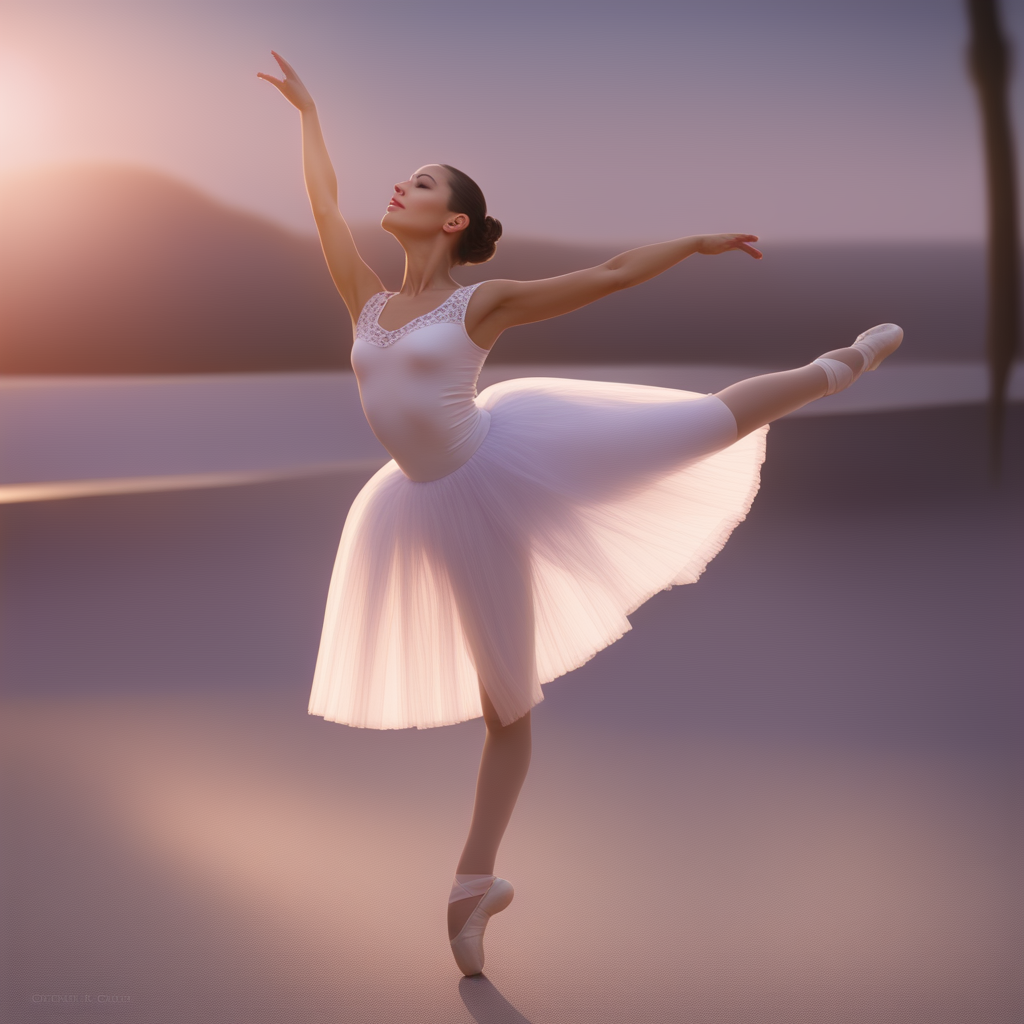
Generate images from a text prompt guided by a reference pose image. Use SDXL with ControlNet OpenPose to lock the human...
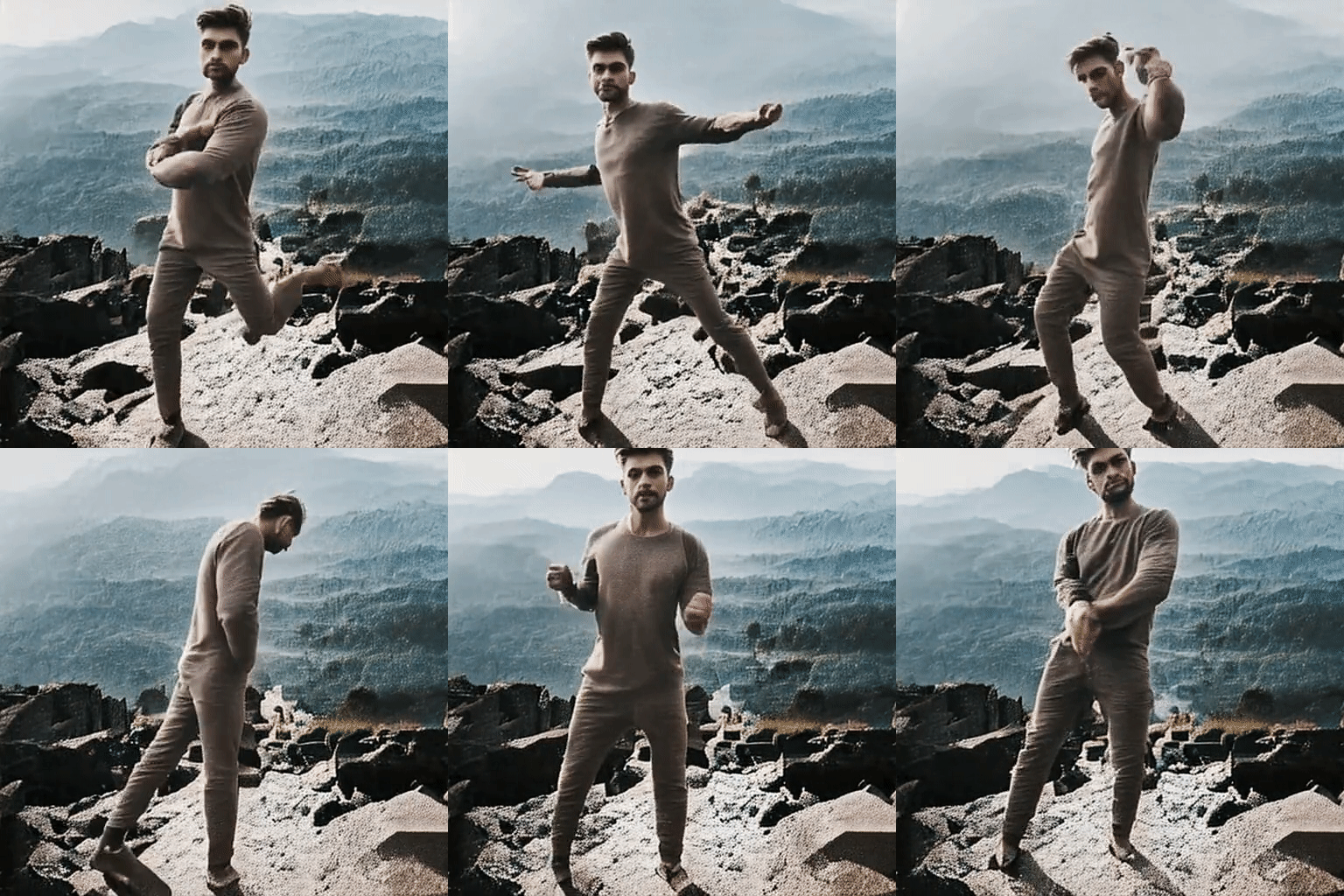
Animate a single human image with an OpenPose motion video to generate a temporally consistent video. Transfer poses fro...
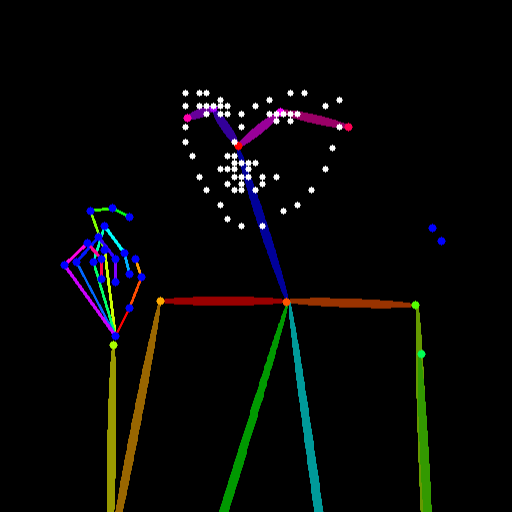
Estimate human pose from an input image and output an OpenPose-style pose map image. Optionally include facial landmarks...
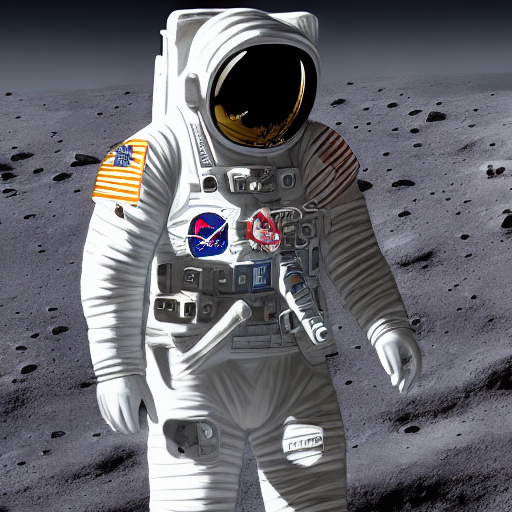
Generate pose-guided images from an input image of a person and a text prompt. Extracts a human pose map with OpenPose a...
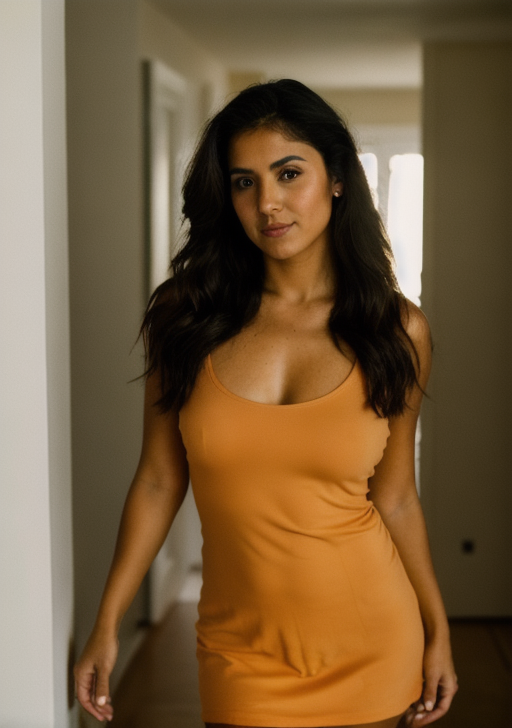
Generate photorealistic images from an OpenPose pose map and a text prompt. Preserve the input body pose while changing...
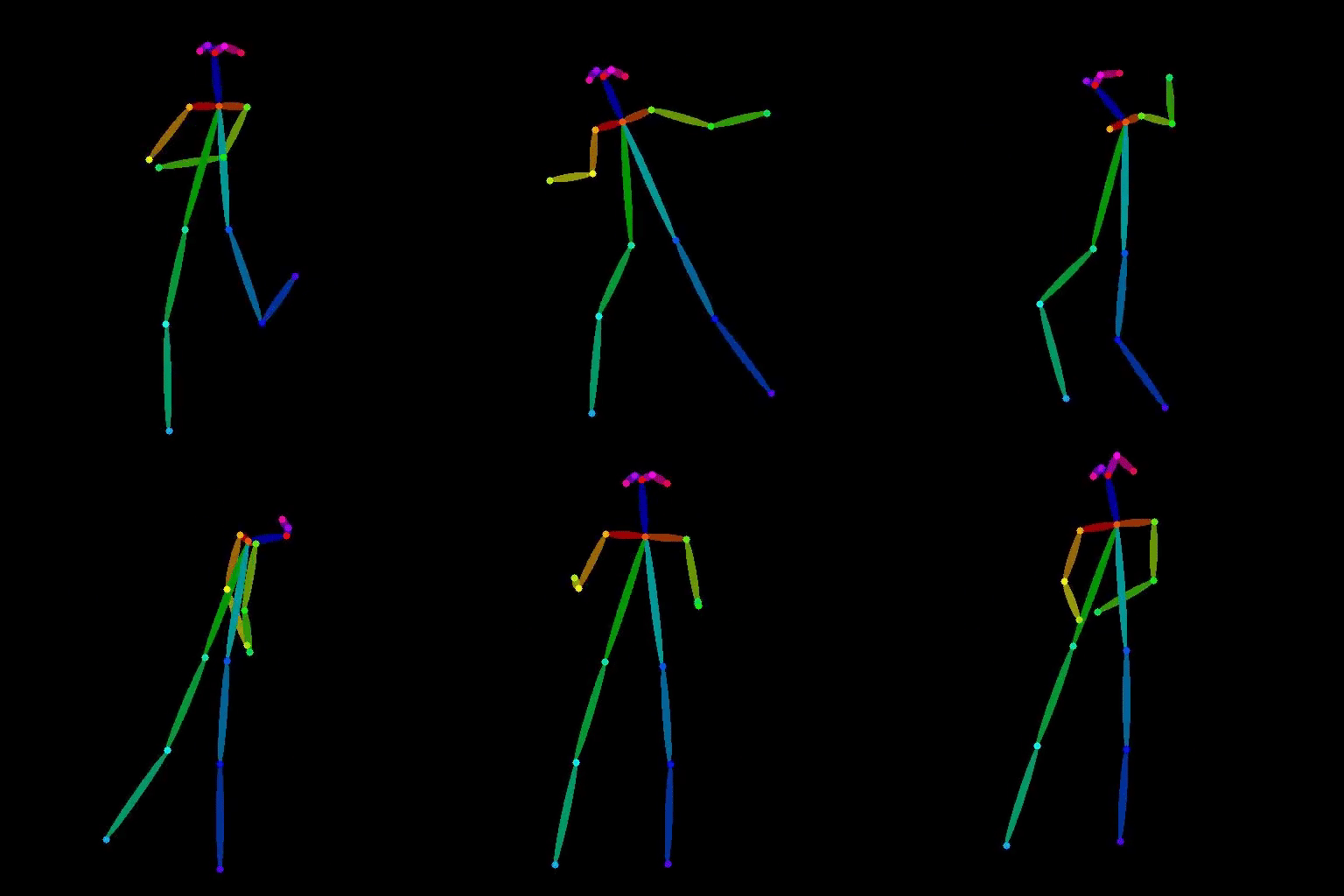
Extract human pose from a video and output an OpenPose-style skeleton video. Provide a video as input and receive a vide...
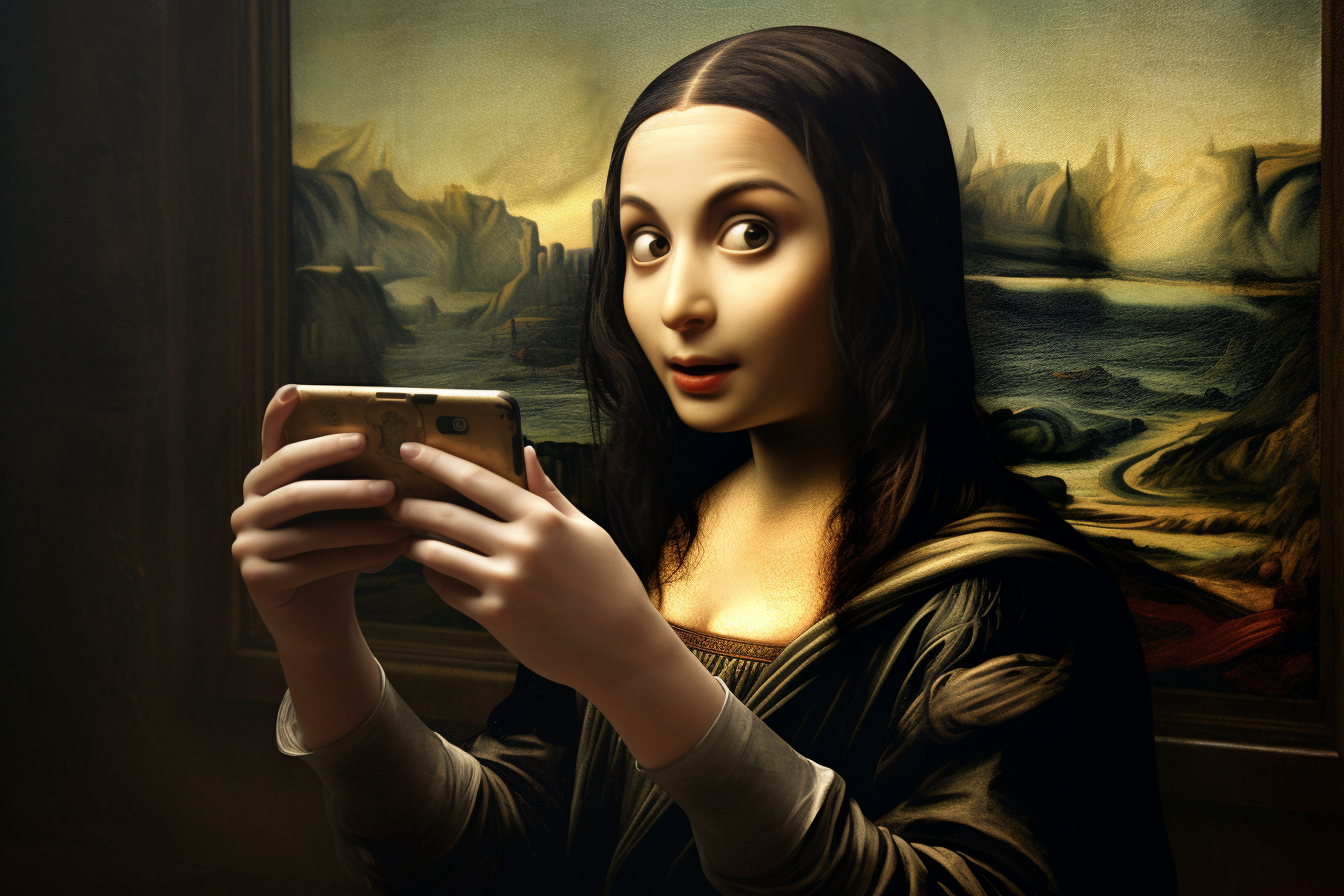
Transfer the style of a reference artwork onto a photo while preserving the subject’s pose. Inputs: a pose image and an...
When choosing an OpenPose model, check whether it supports the keypoint format your downstream pipeline expects (COCO, BODY_25, etc.), whether it handles occlusion and partial visibility, and how it performs with multiple overlapping people in the frame.